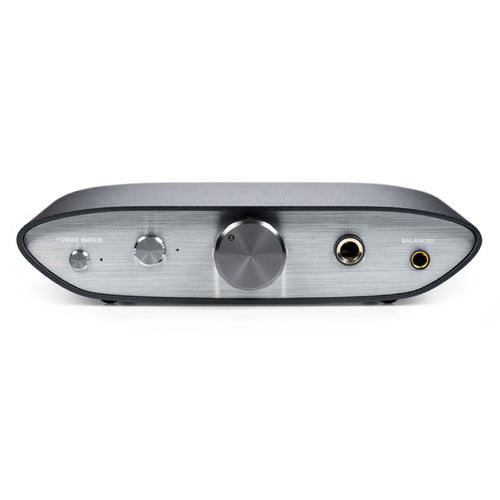

FiiO - K11 R2R
Desktop R2R DAC & Headphone Amp
₹ 14,999
DELIVERY
Dispatches in 48 hours
RETURNS & WARRANTY
7 Day Replacement Guarantee
1 Year Warranty
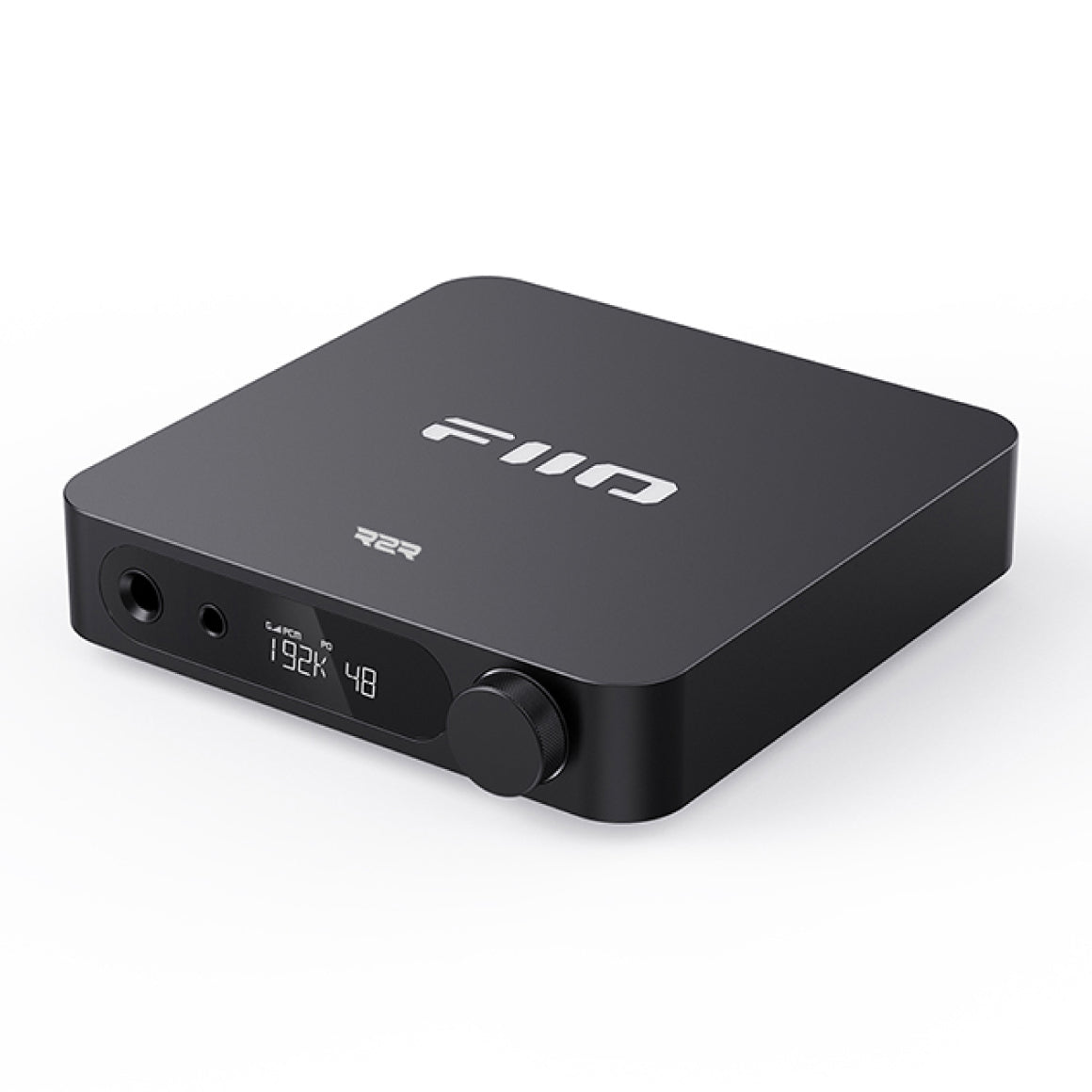
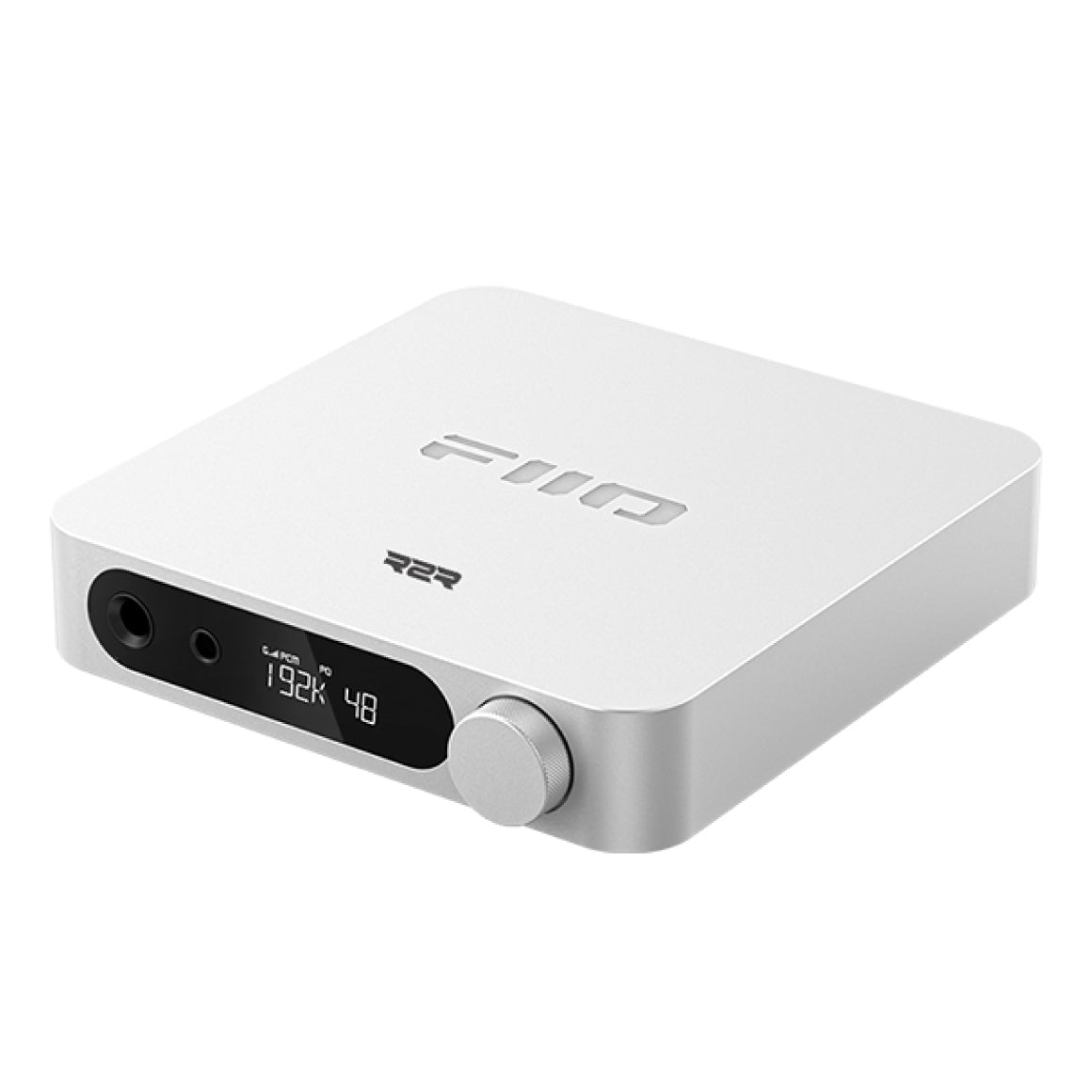
FiiO Presents The All-New And Upgraded 24Bit R2R DAC & Amp - The K11 R2R
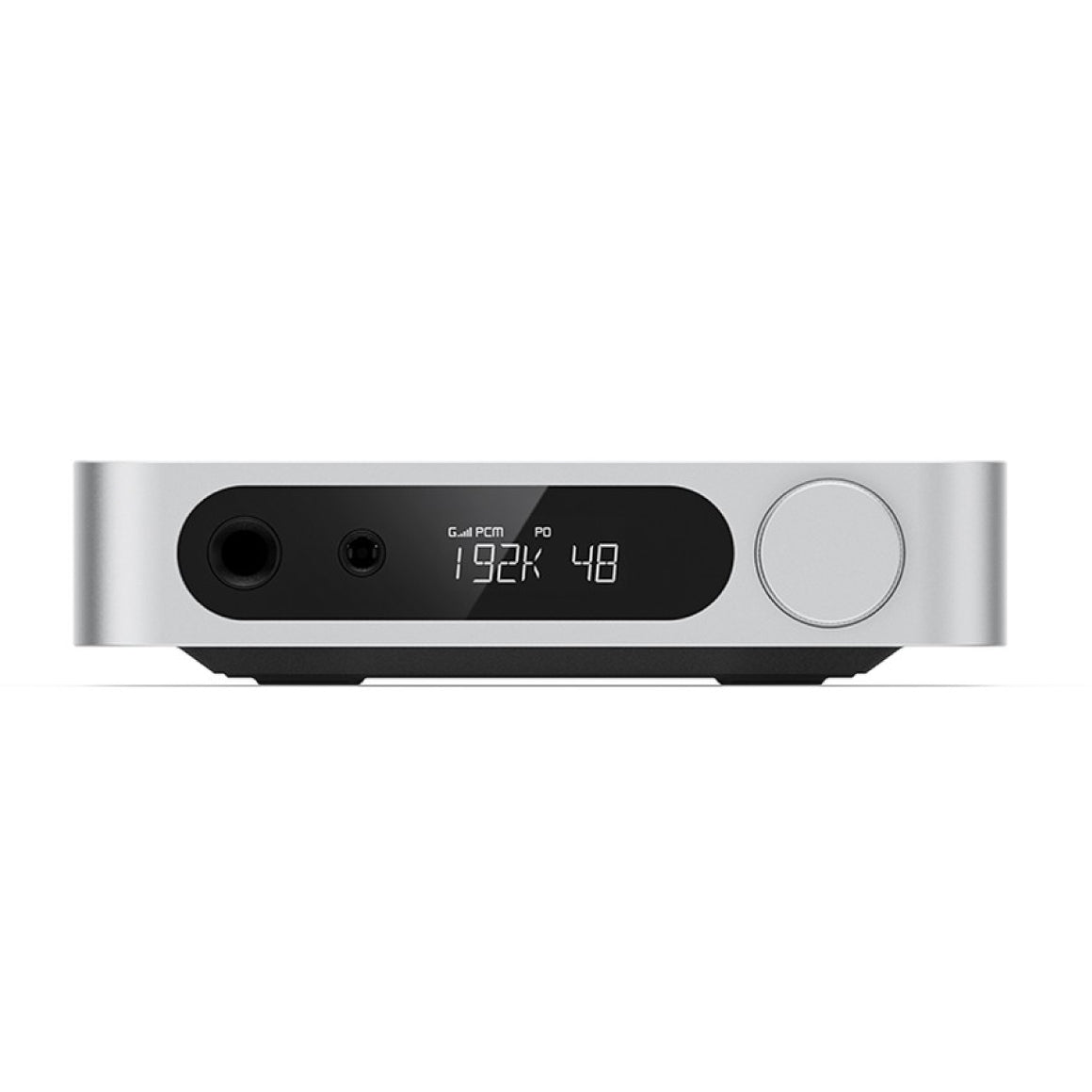
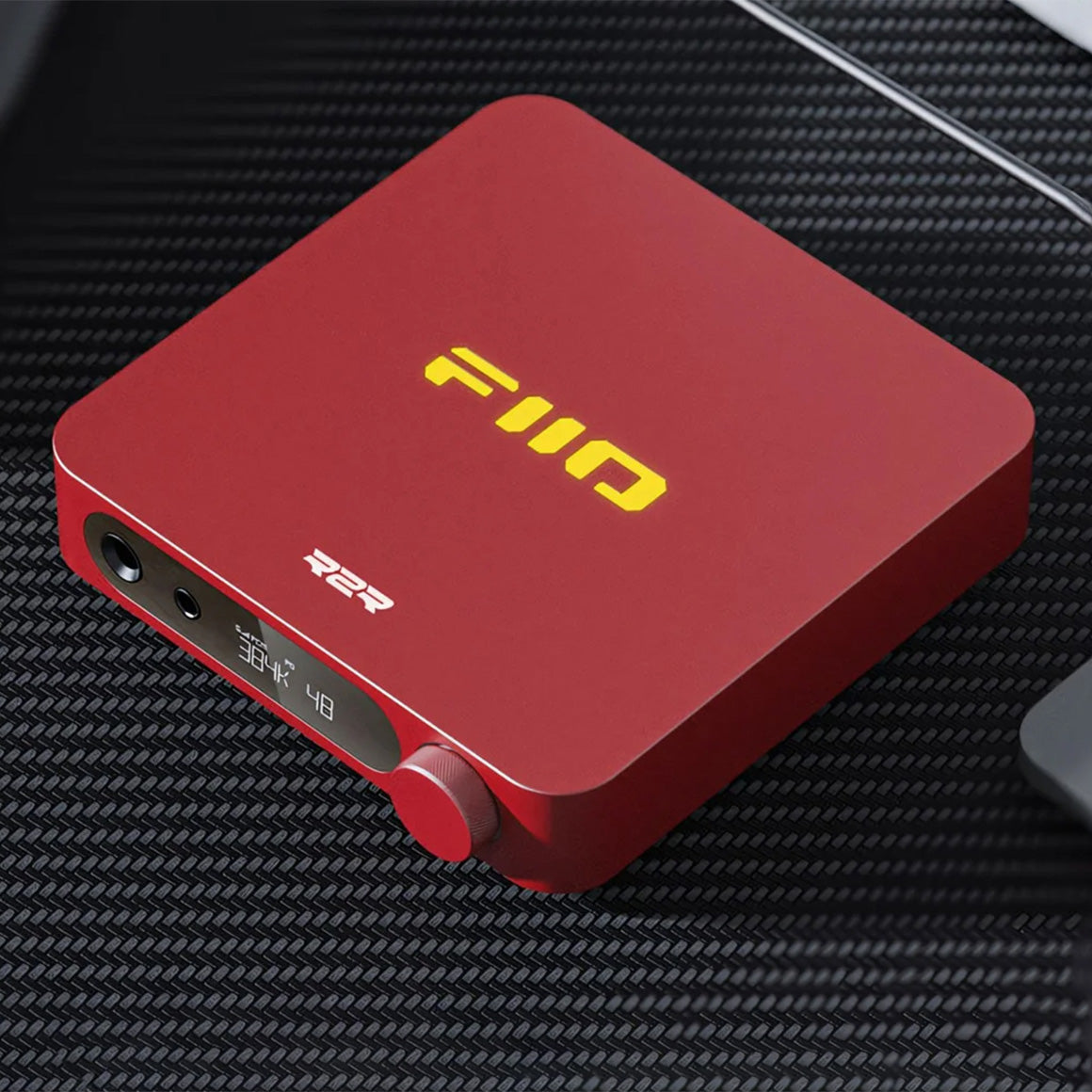
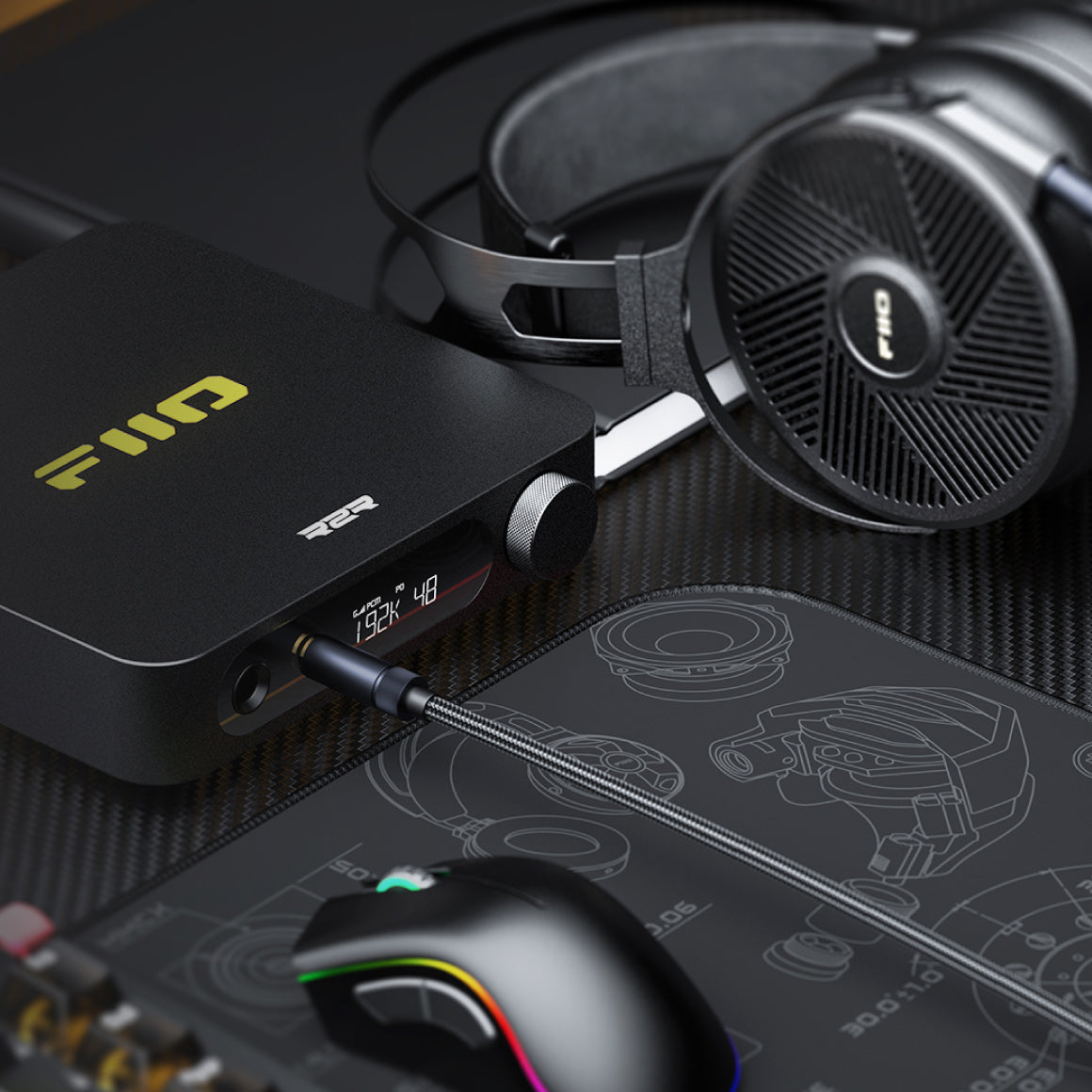
FiiO introduces an all-new R2R variant of its acclaimed K11 desktop DAC&Amp. Featuring a self-developed 24-bit R2R Resistor Array, the K11 R2R delivers smooth and rich sound. It offers NOS and OS dual operating modes, dual headphone outputs (6.35mm single-ended and 4.4mm balanced), and a powerful 1300mW per channel output with three-level adjustable gain. Experience rich, smooth, organic sound with the FiiO K11 R2R.
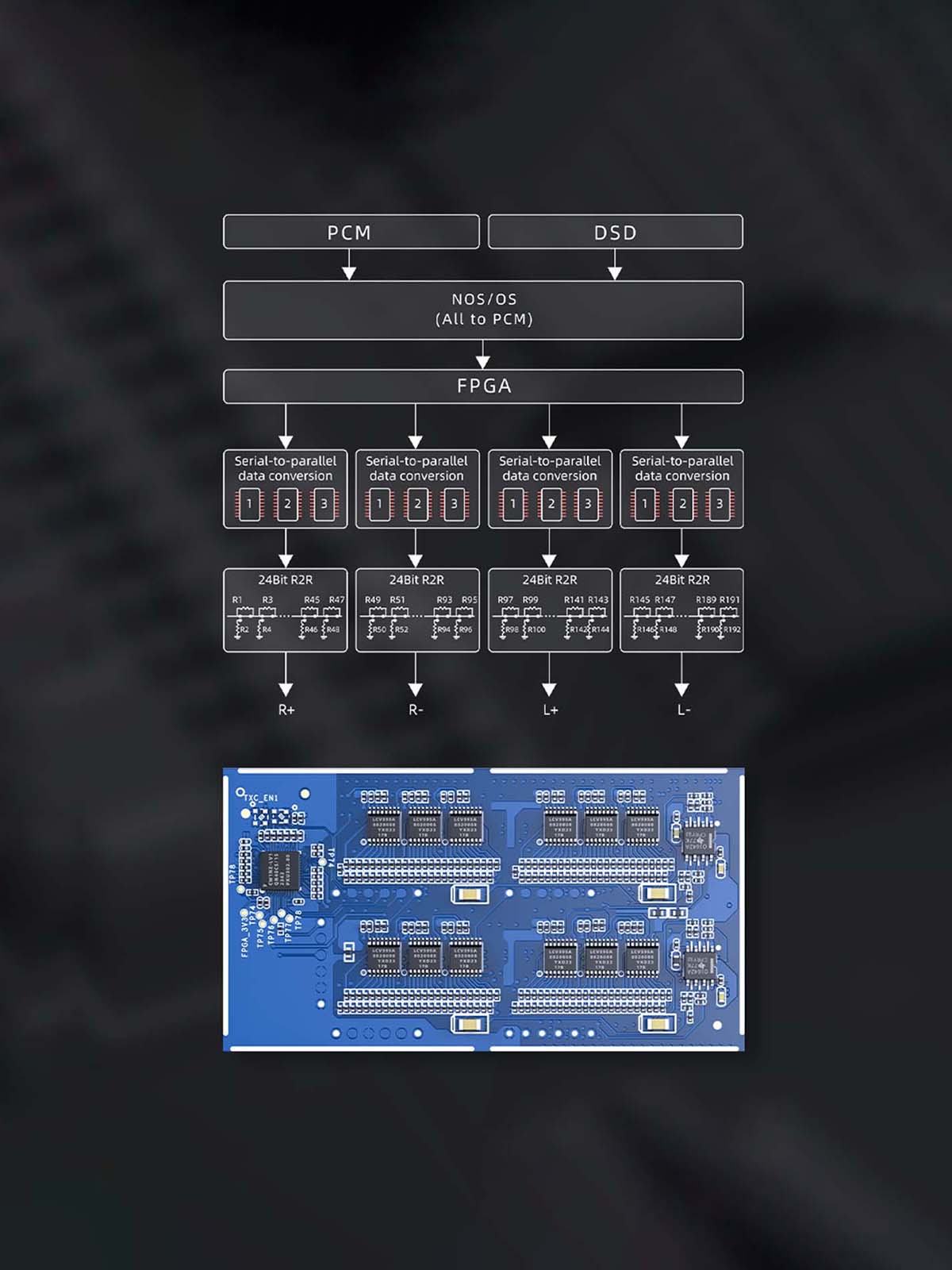
Fully-Differential 24-Bit R2R DAC Architecture For Clean Sound
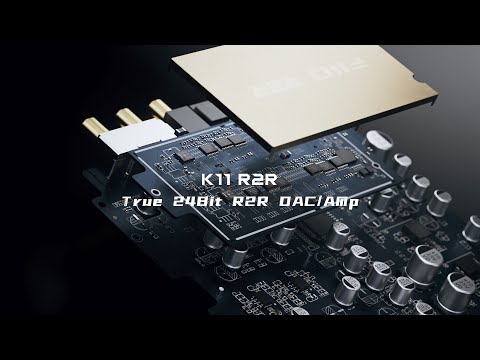
FiiO's K11 R2R features a newly developed four-channel, fully differential 24-bit R2R resistor array. Each channel has 48 resistors, totalling 192 high-precision ultra-thin film resistors with 0.1% accuracy and low-temperature drift. This advanced audio circuit architecture ensures clean, crisp output with a dark background.
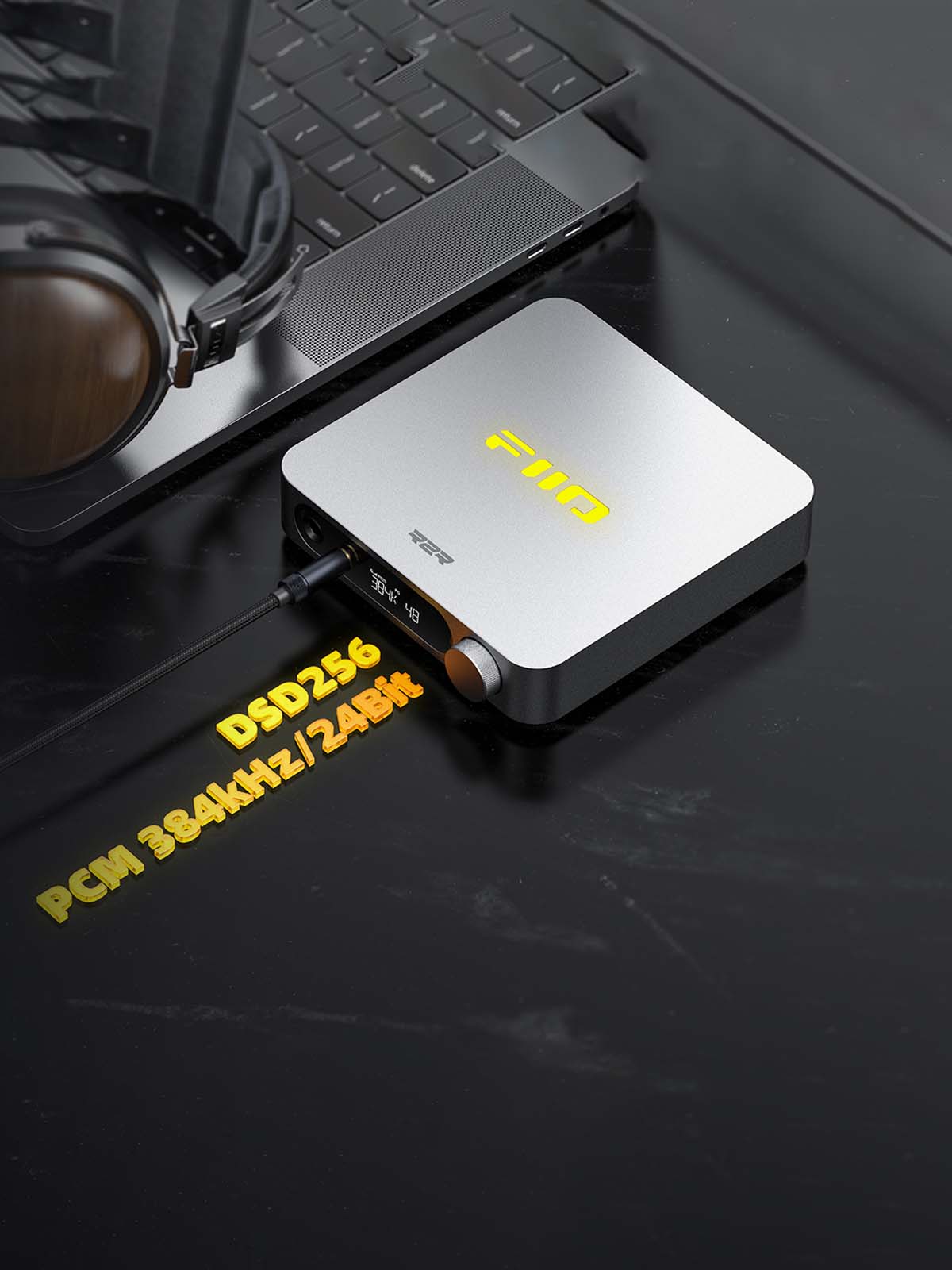
True Hi-Res Audio Signal Decoding And Dual Operating Mode
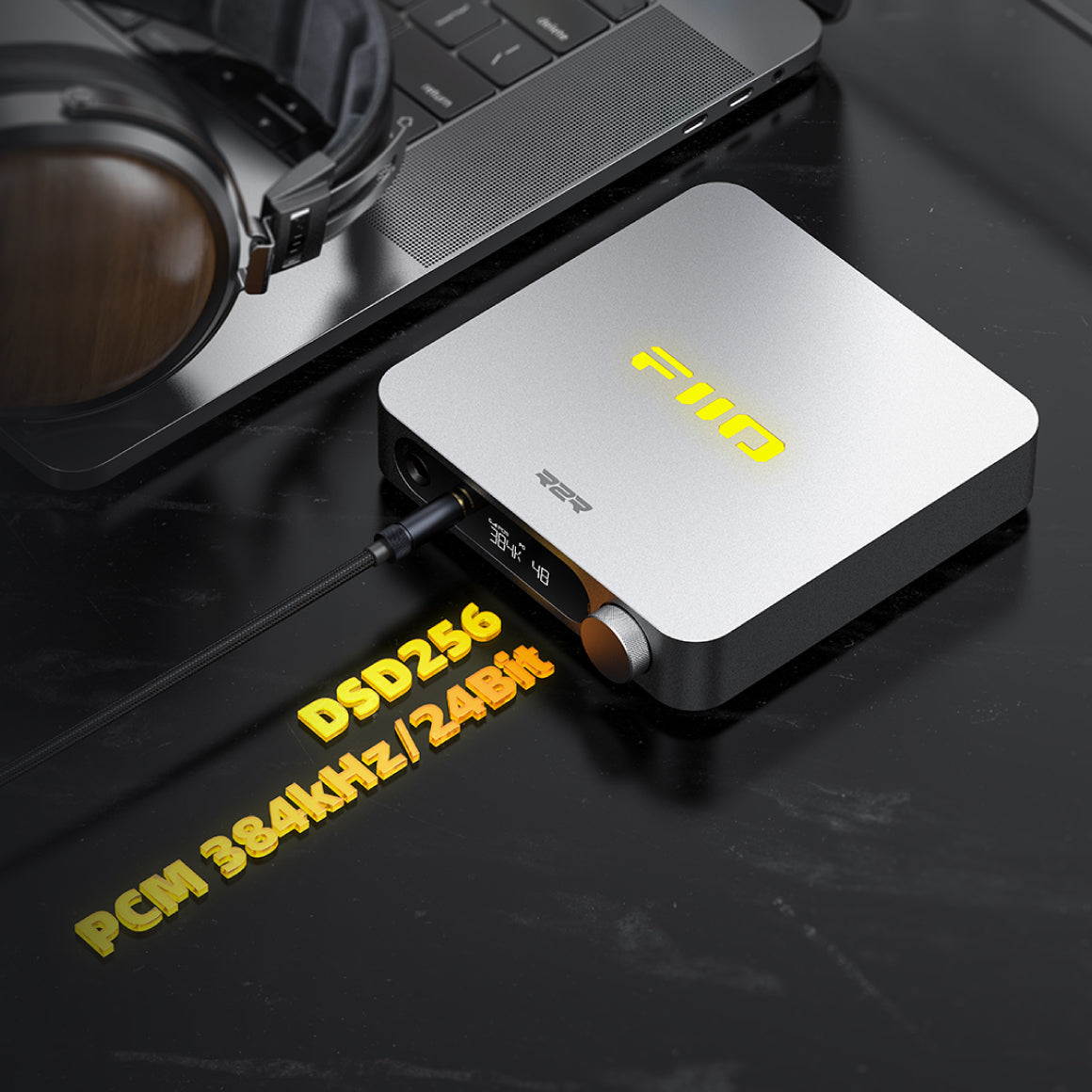
The FiiO K11 R2R supports high-resolution audio decoding, handling up to 32-bit/384kHz PCM and DSD256 signals. It features switchable NOS (Non-Oversampling) and OS (Oversampling) modes, offering two distinct sound profiles. NOS maintains the original sampling rate for a more musical presentation, while OS upsamples to 384kHz for enhanced detail and clarity.
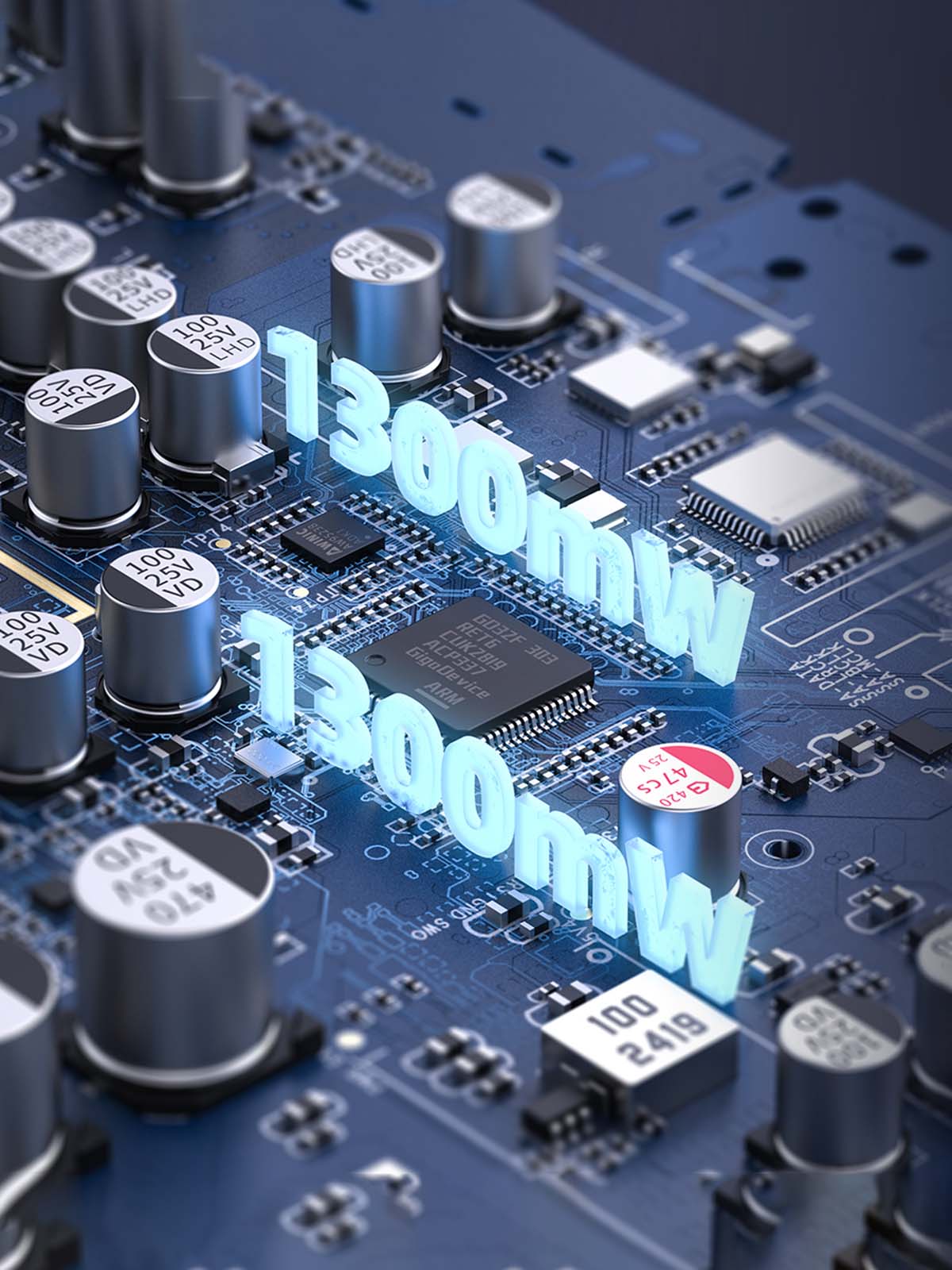
Powerful Amplification Stage And Precise Volume Adjustment
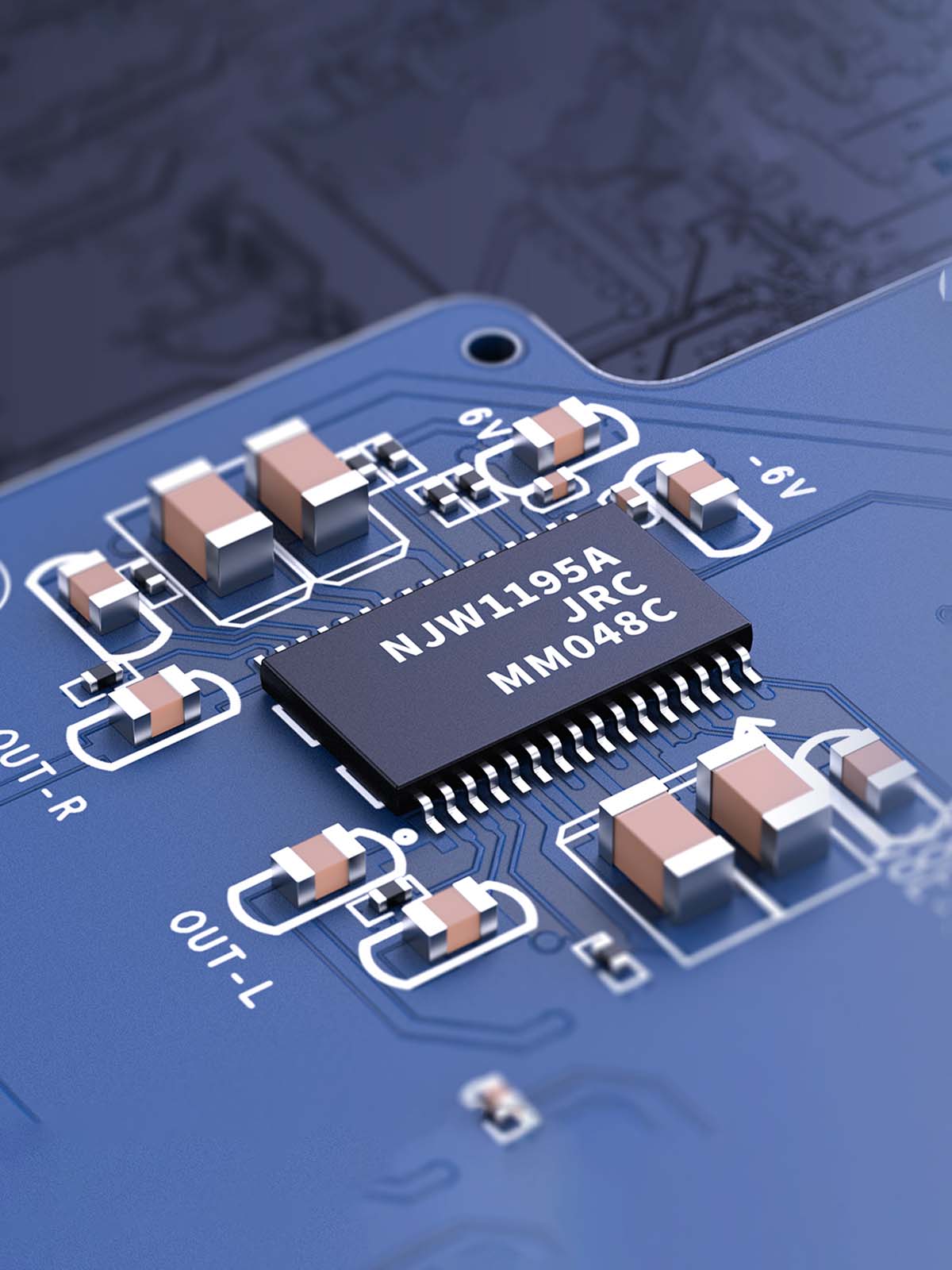
The FiiO K11 R2R boasts professionally designed amp circuitry with Ti OPA1642 low-pass filters and dual SGM8262 operational amplifiers. It delivers up to 1300mW per channel, easily driving demanding headphones. The device features three-level gain modes and three independent volume curves for compatibility with both sensitive and high-power gear and uses the NJW1195A digital volume chipset for precise, low-distortion volume adjustment.
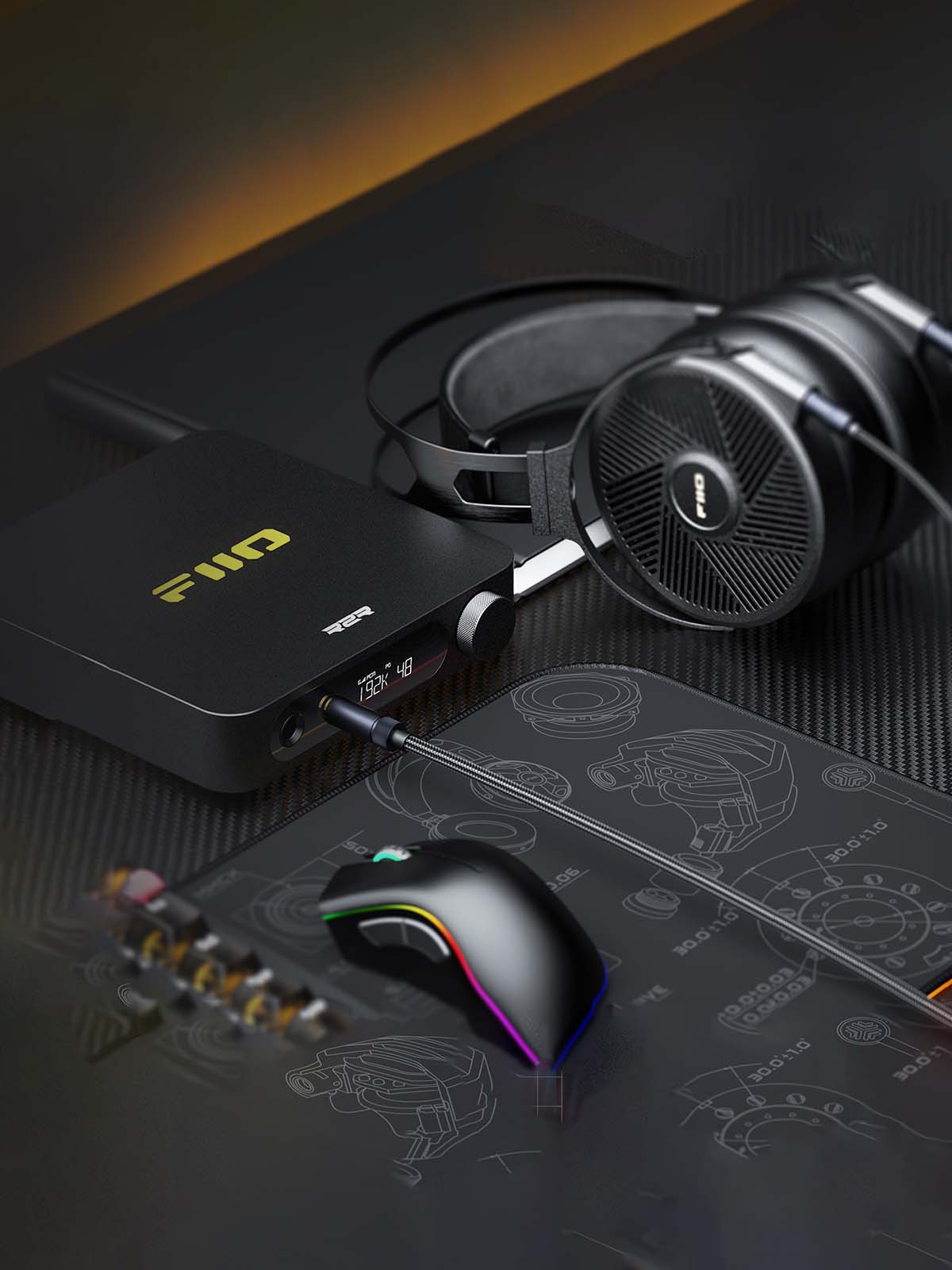
Seamless Connectivity With A Variety Inputs And Outputs
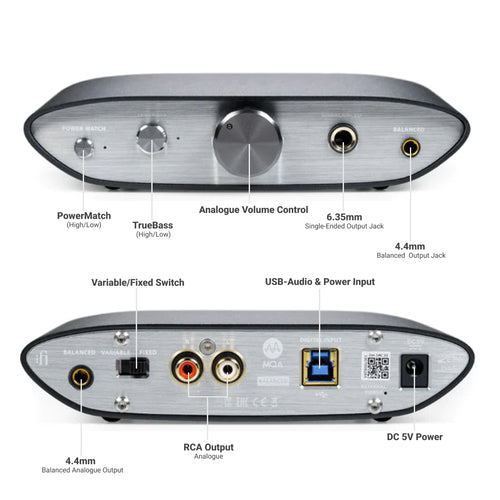
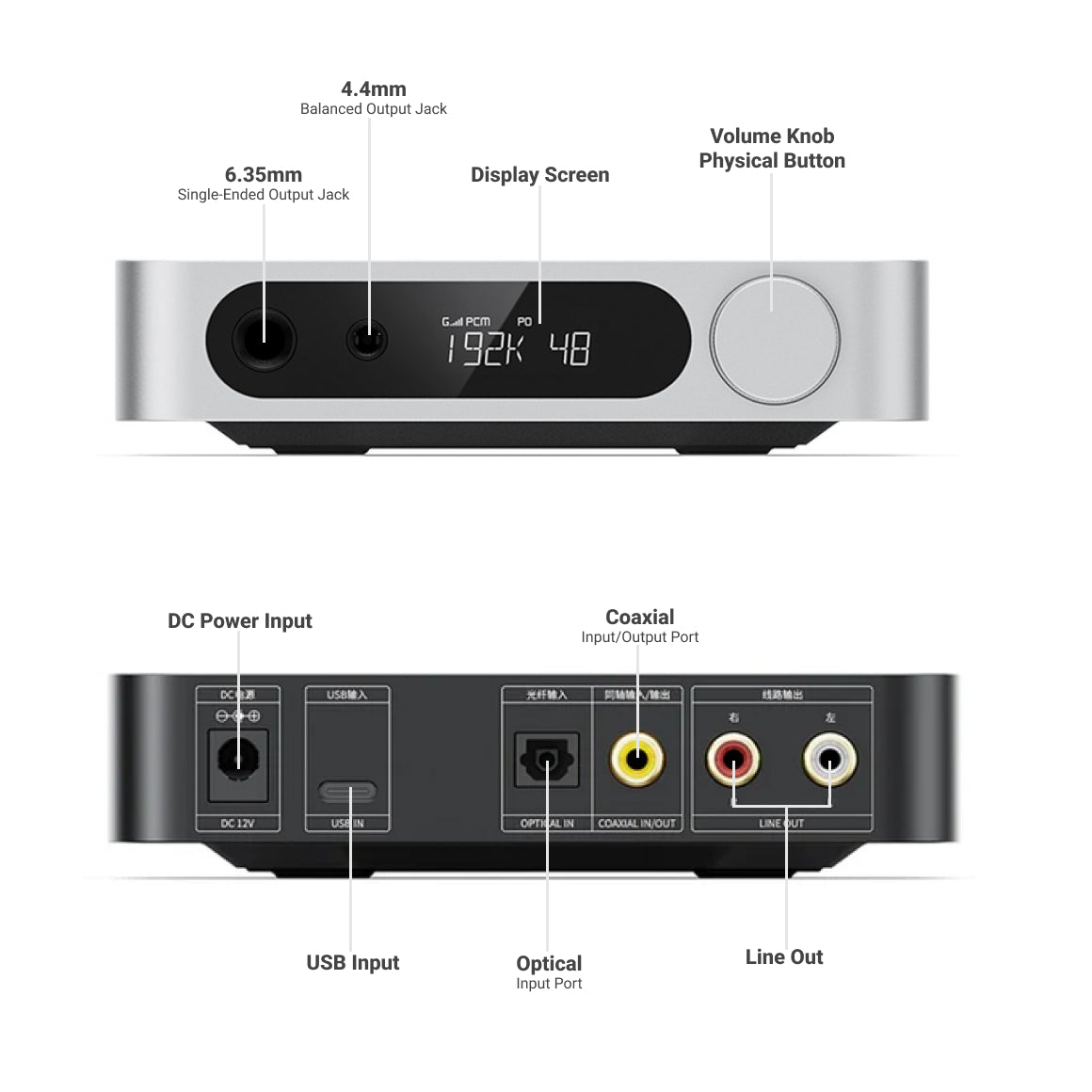
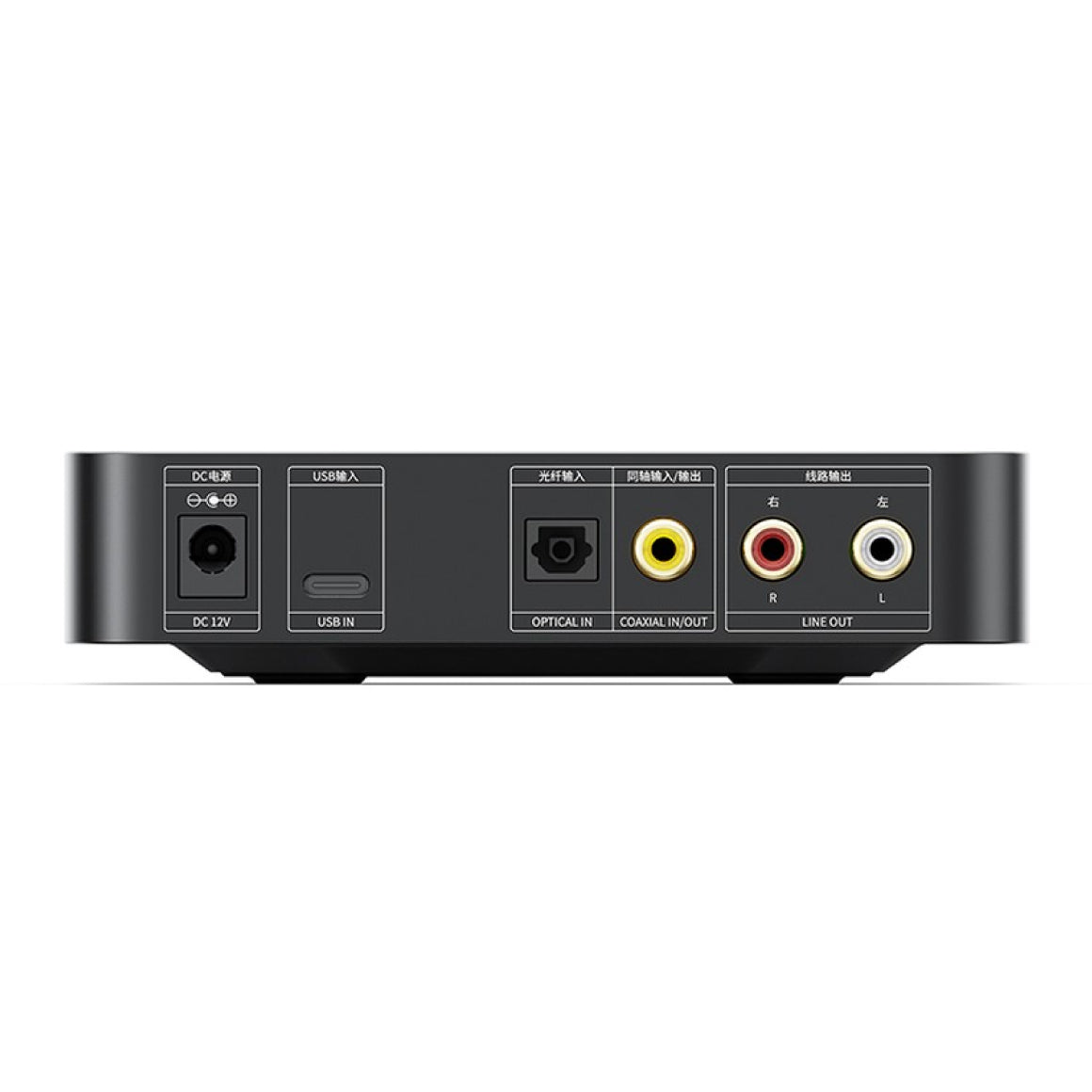
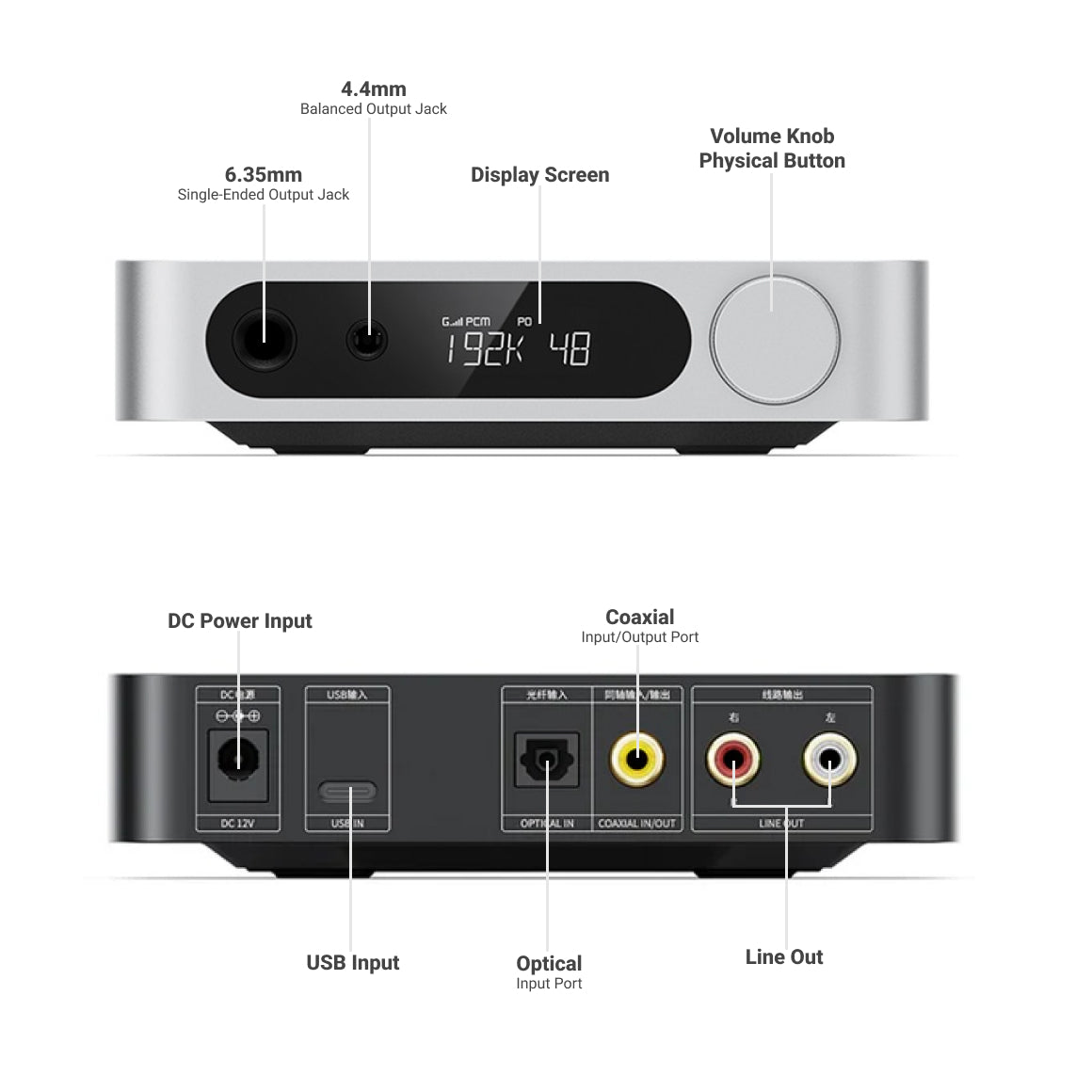
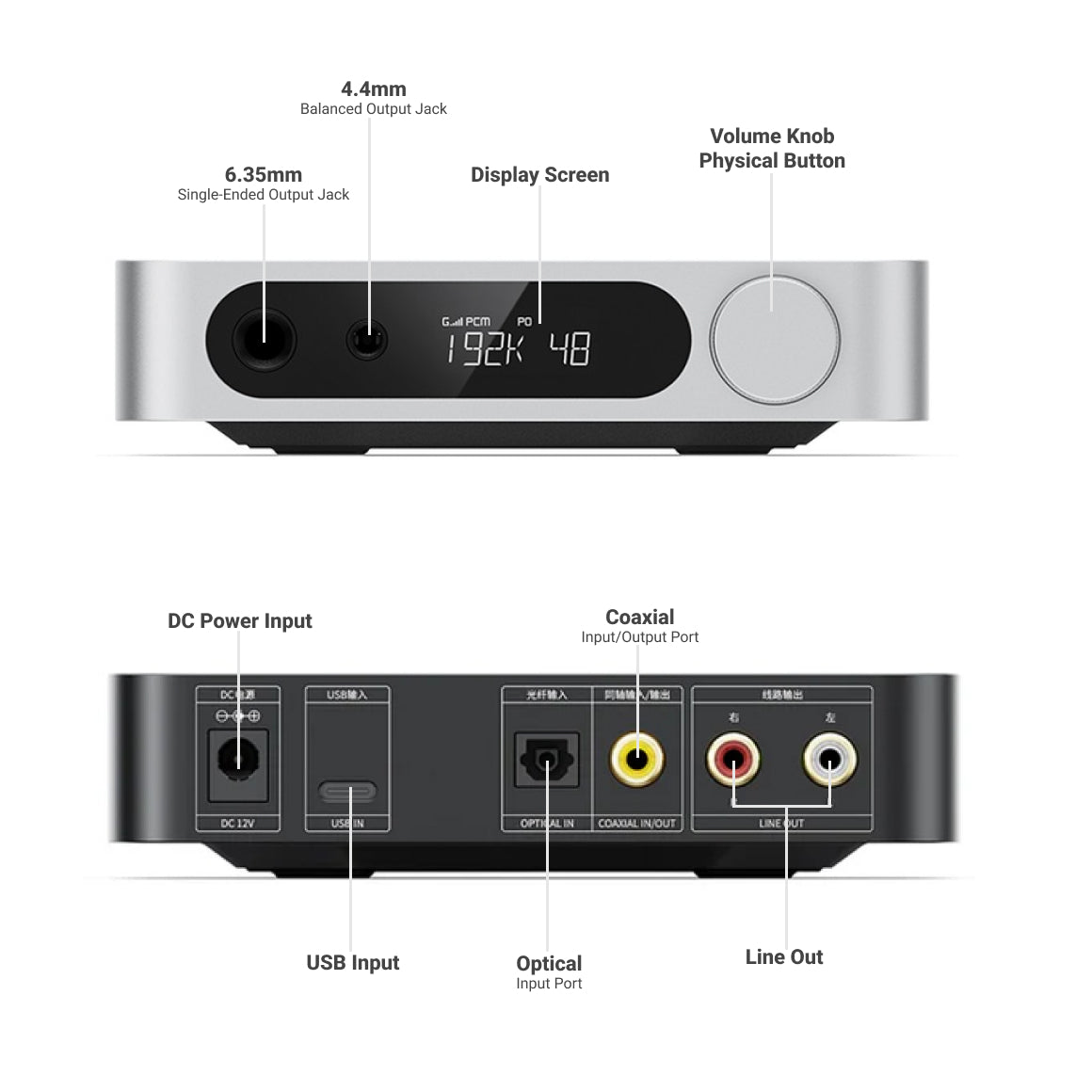
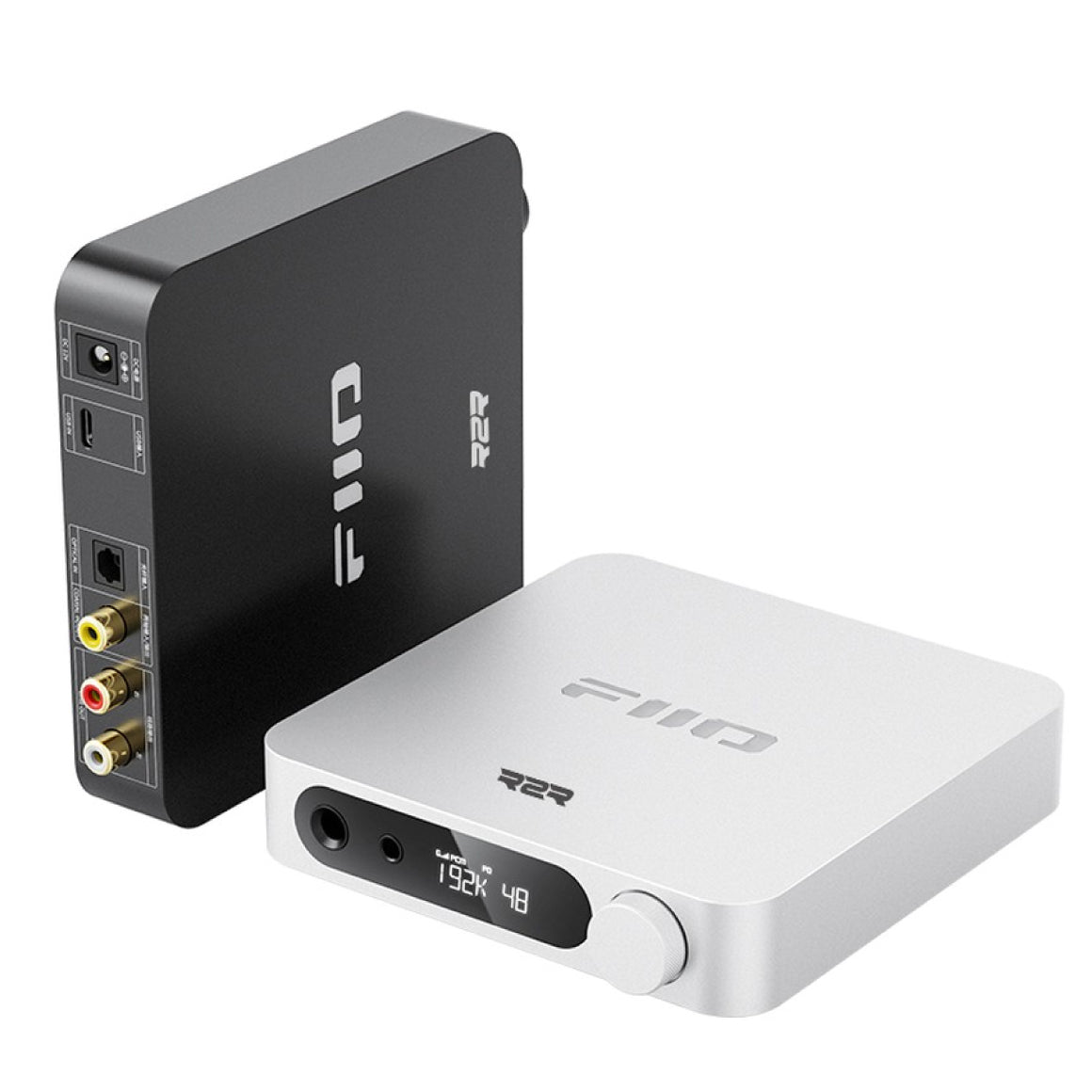
The FiiO K11 R2R offers versatile input and output options for diverse audio setups. It features coaxial, optical, and USB digital inputs, along with 4.4mm balanced, 6.35mm single-ended headphone output, and RCA analog line-out connections. Designed to fit various audio needs without straining your budget, the K11 R2R pairs virtually with any device. Pair it with IEMs and headphones to enjoy high-resolution music in all its glory.
Expertly Engineered Audio Circuit For Reliable Audio Transmission
The FiiO K11 R2R transmits the audio signal via a USB processor to a digital audio bridge. After FPGA processing, it goes to the R2R DAC for 4-channel output, then through Ti OPA1642 op-amps for filtering and conversion to single-ended signals. The NJW1195A chip ensures precise volume adjustment. The output stage uses SGM8262 op-amps for 4-way phase inversion and amplification, resulting in single-ended and balanced outputs. The audio circuit includes gain controls, a headphone protection circuit, and a pop noise elimination system for high-quality, reliable sound.
Embedding High-Quality Components For Unmatched Performance
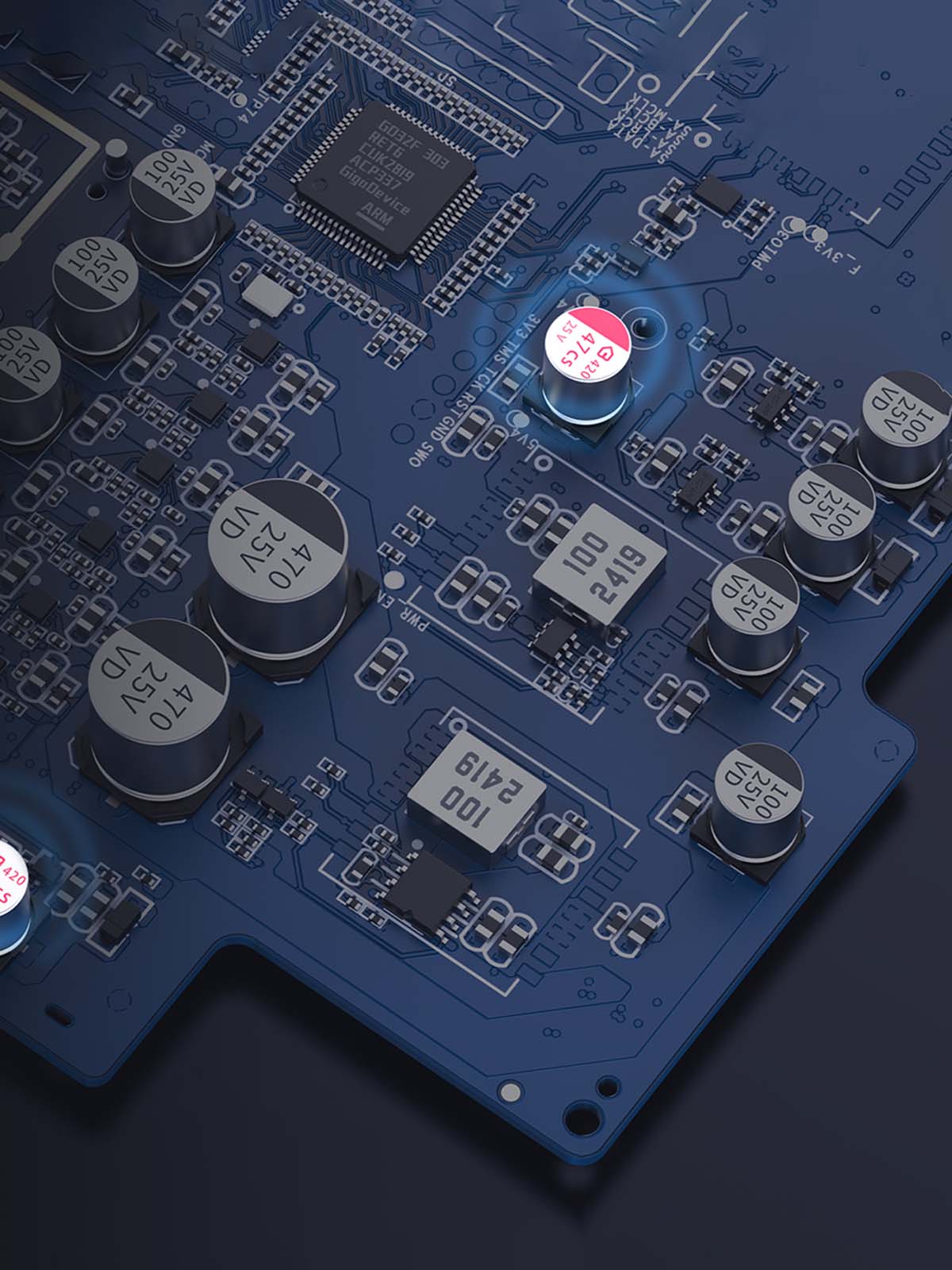
The FiiO K11 R2R is expertly engineered with high-quality internals for an exceptional music listening experience. It features Beryl solid capacitors for a stable, clean power supply, and enhanced heat dissipation with thermal silicone gel and aluminium alloy. An exclusive phosphor copper metal shielding provides corrosion resistance and anti-oxidation, ensuring accurate signal processing. The K11 R2R includes DC protection to prevent headphone damage, a smart power-saving mode, and durable metal-pressed RCA connectors for stability and longevity.
Low-Noise Power Supply Design For Distortion-Free Sound
The FiiO K11 R2R features a professionally designed low-noise power supply with 17 low-noise LDO precision voltage regulator ICs and 2 DC-DC converters, providing a multi-channel power supply of -9V, 8V, ±7.5V, ±6V, 5.4V, 3.3V, 1.8V, and 1.2V. Combined with an external custom 12V switching power supply, it ensures power purity and a solid foundation for powerful output, delivering a high-quality music listening experience.
Designed With A Screen, RGB Logo And Multifunction Knob
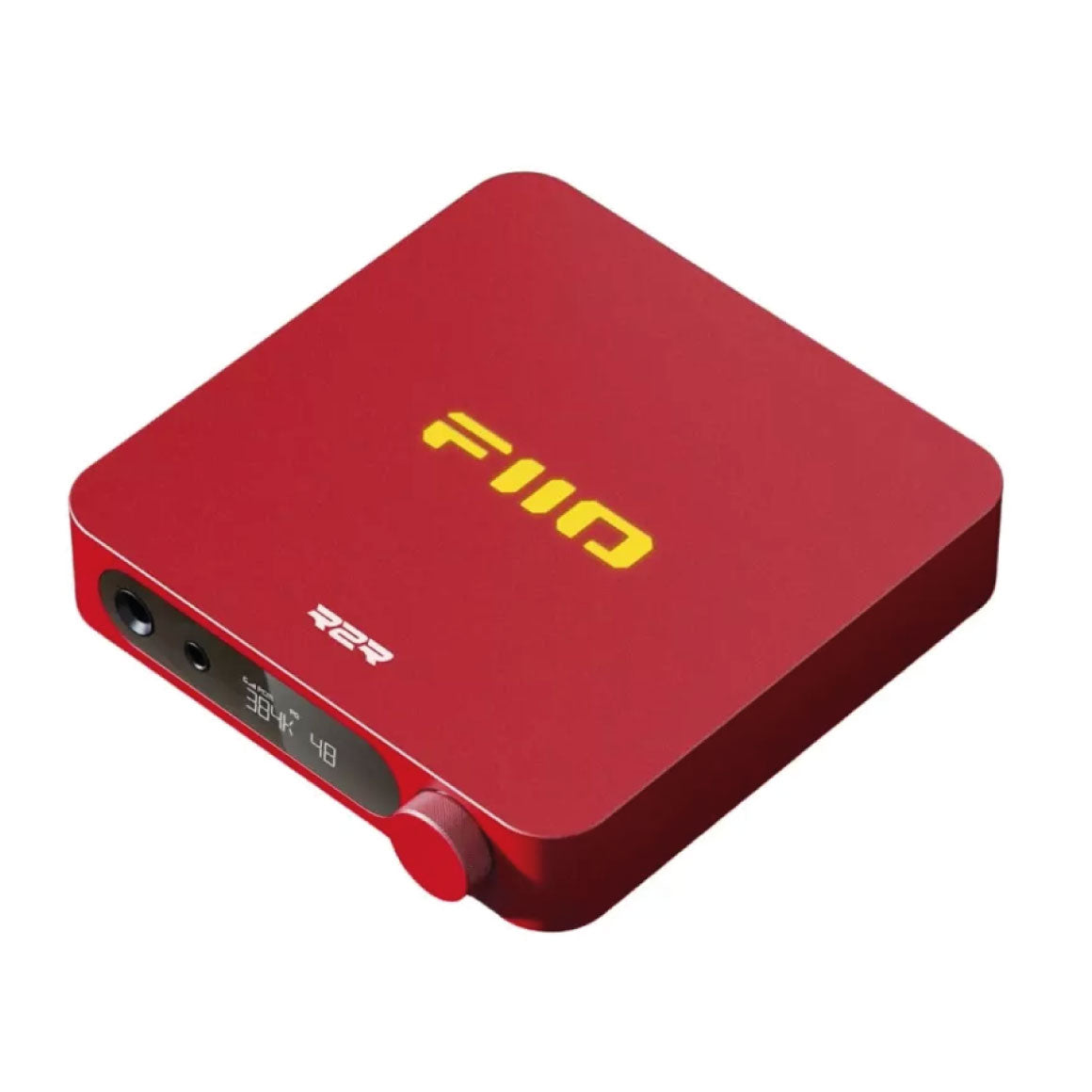
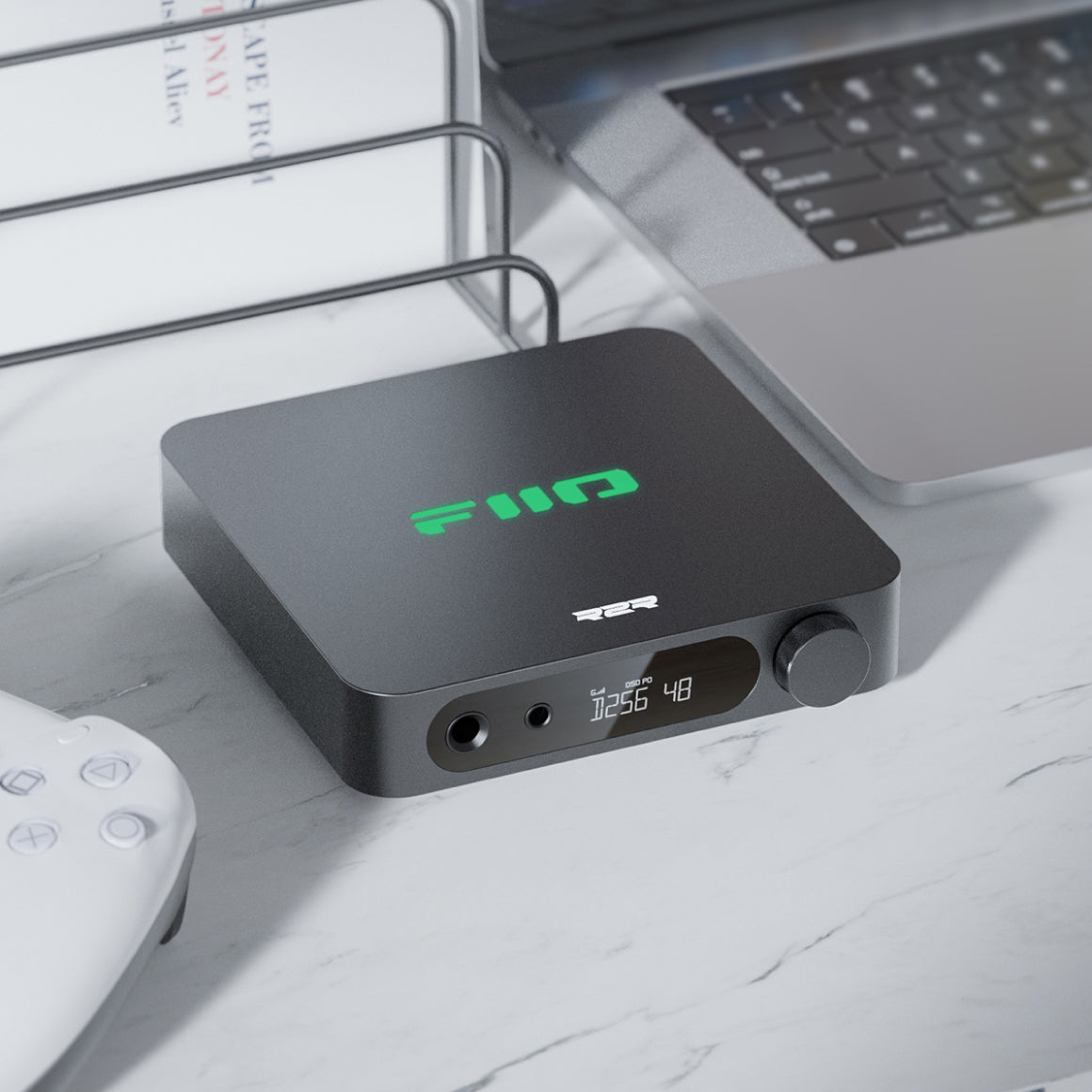
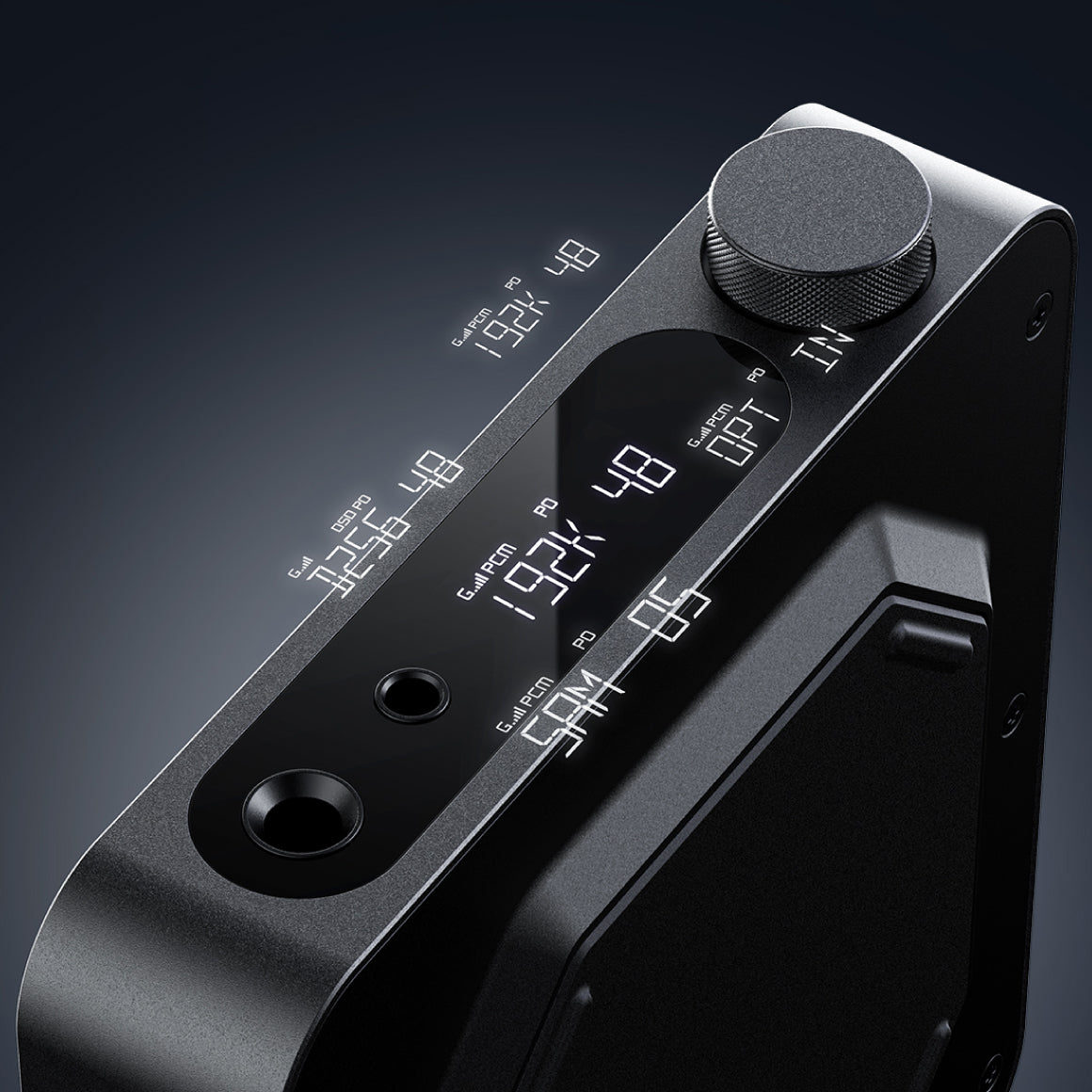
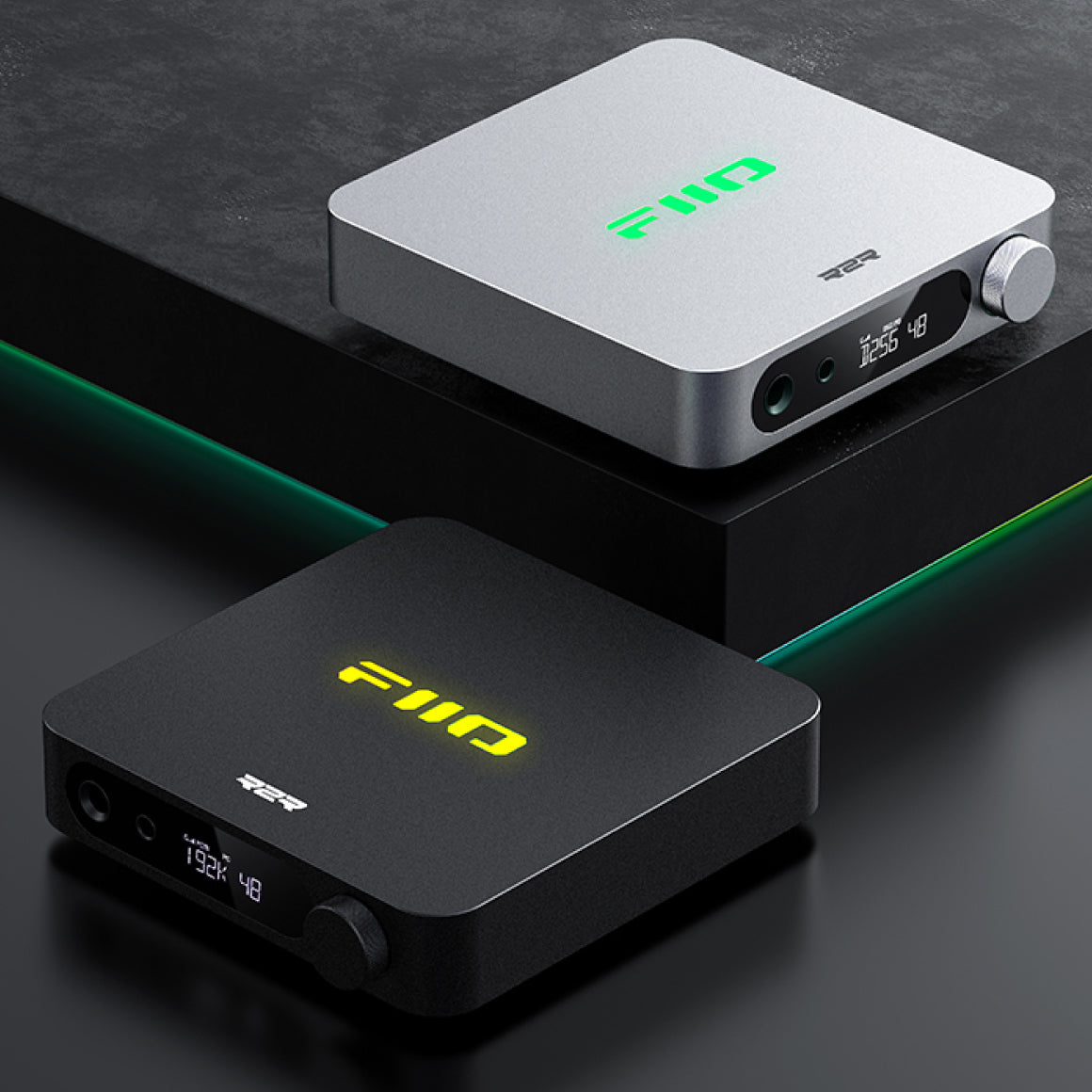
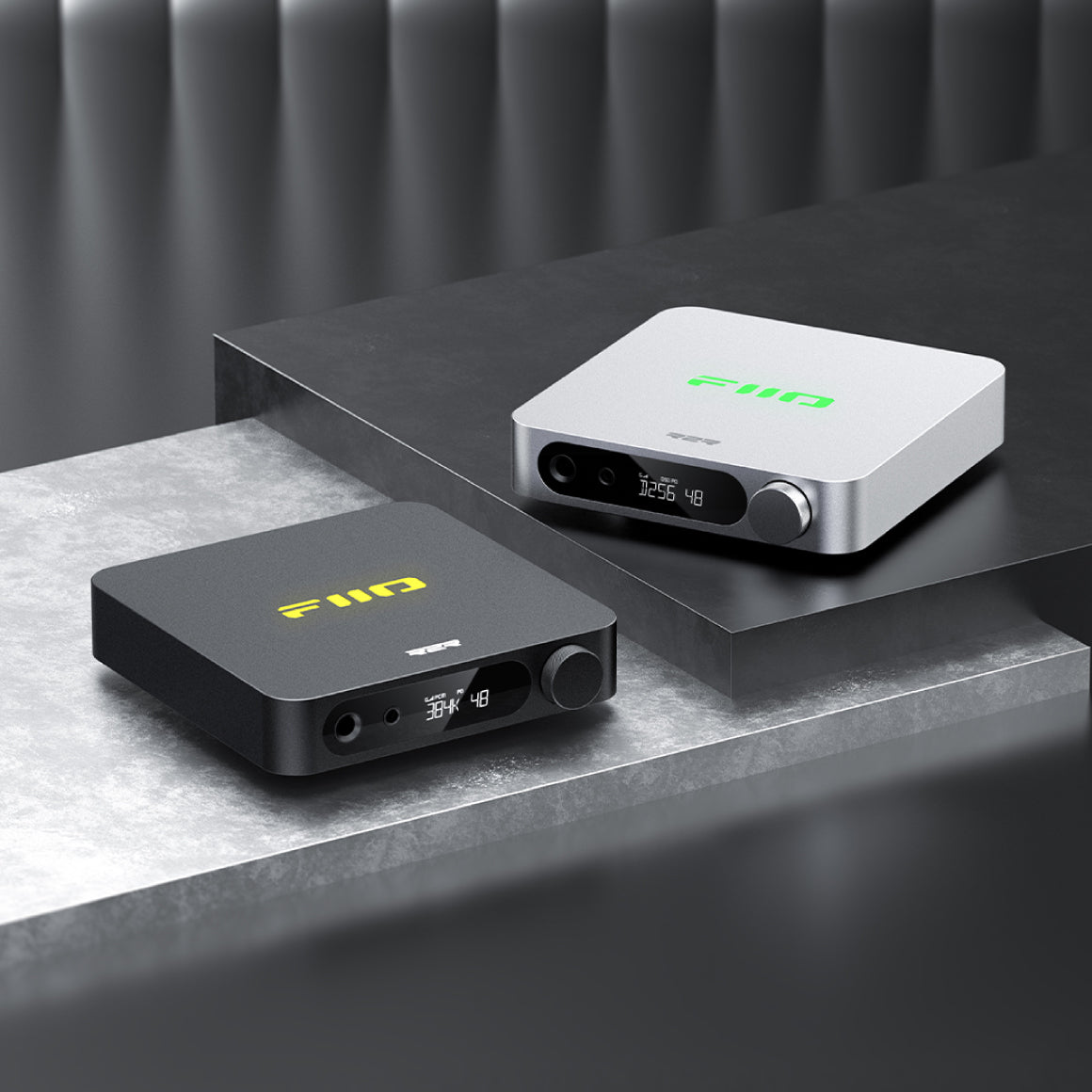
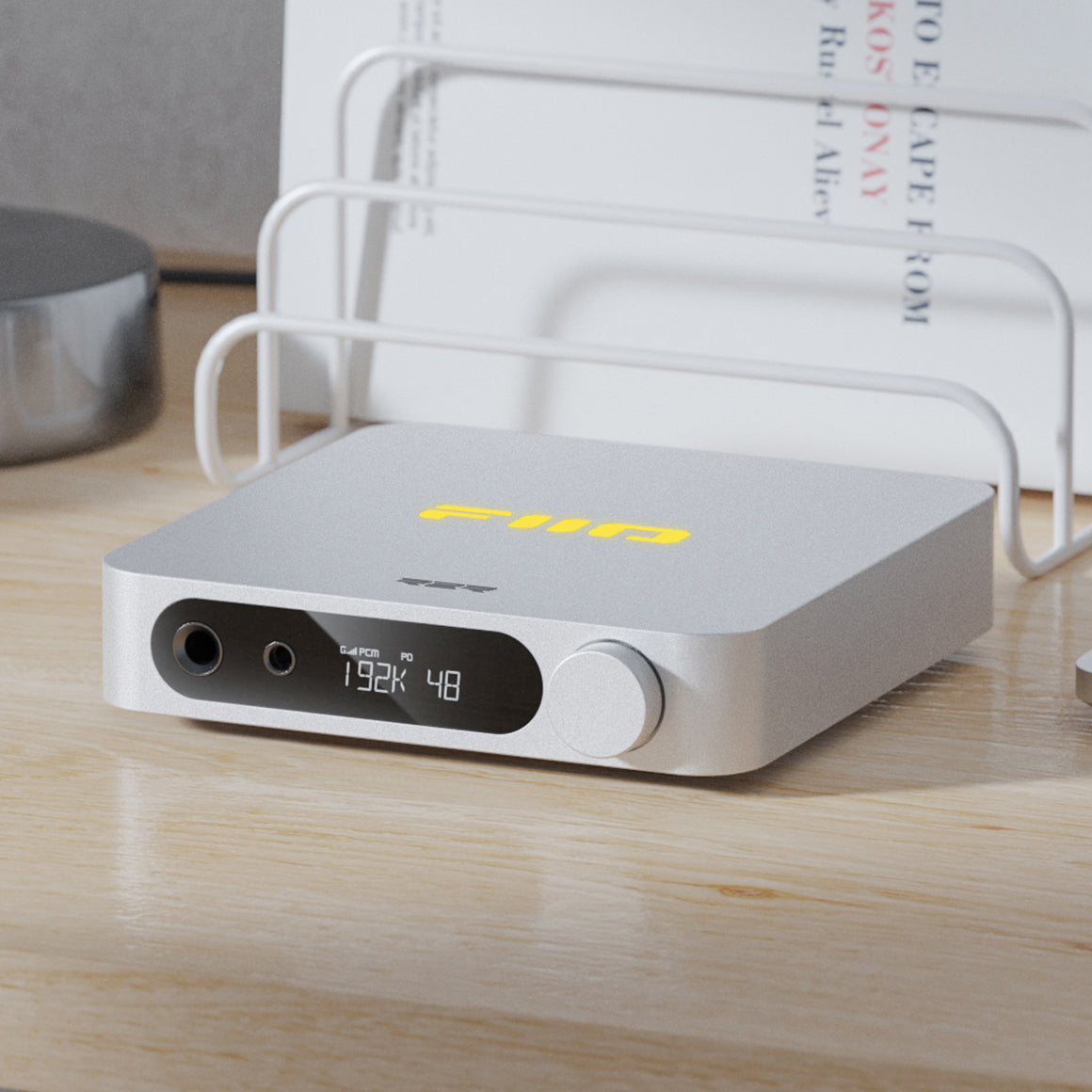
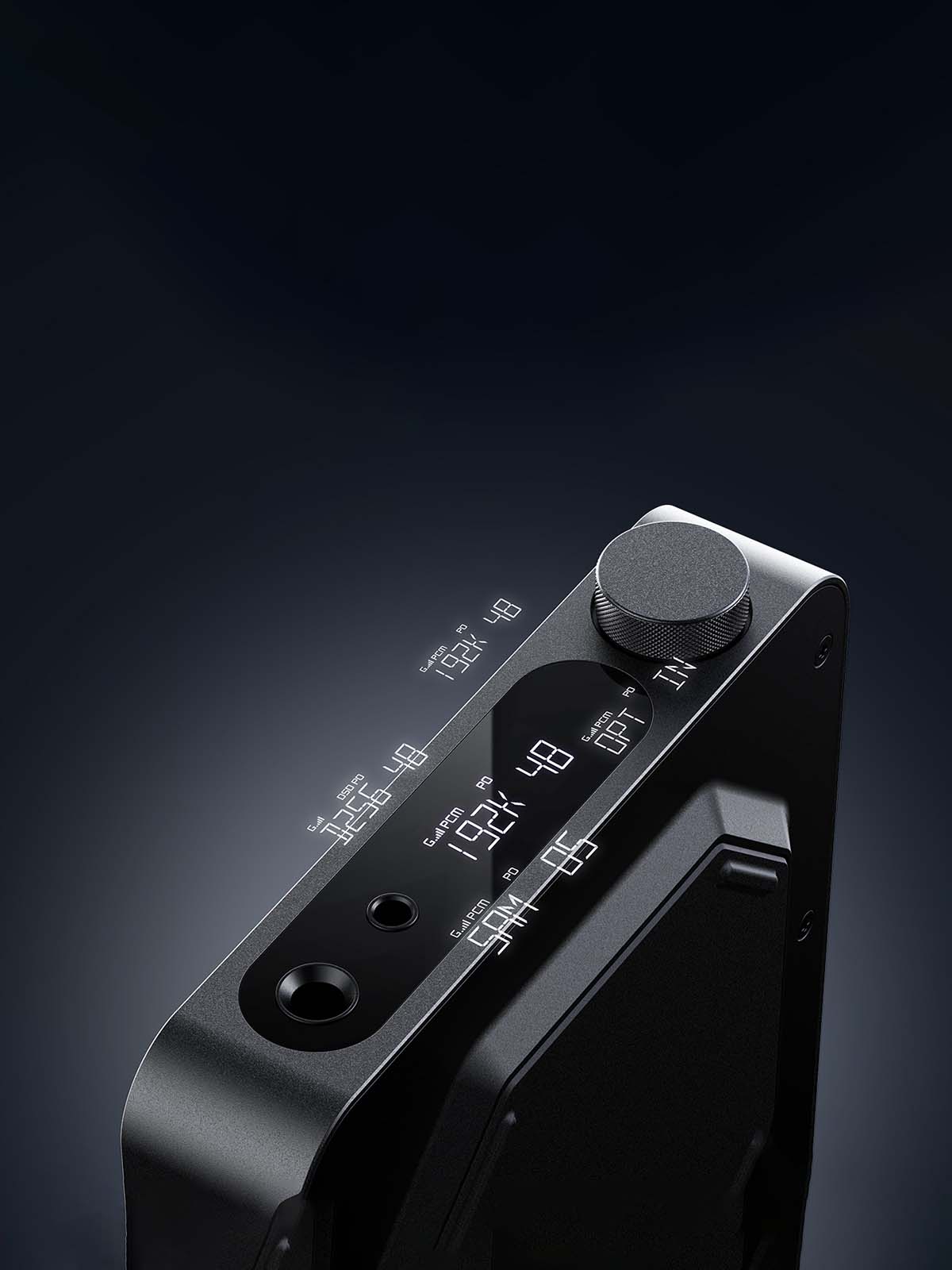
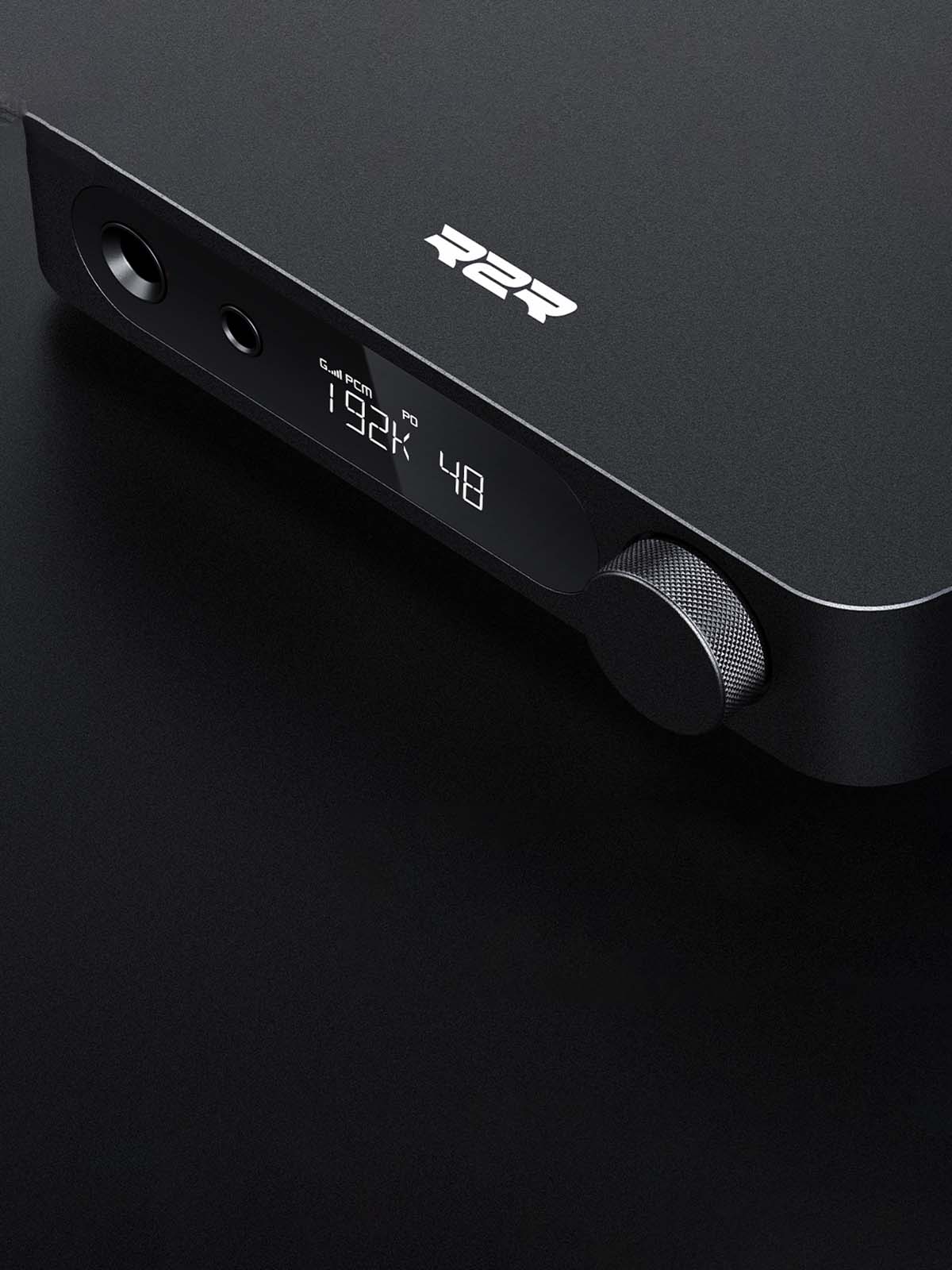
The FiiO K11 R2R features a robust, high-definition LCD screen that offers clear visuals and durability. It efficiently displays device status like sampling rates, volume, gain, and output mode. The illuminated RGB FiiO logo changes colours based on the active file's bitrate, and its brightness, colour, and patterns are customisable via the multi-function knob. This knob also handles power, volume, and menu navigation, with a double press to switch between Line-out, Pre-out, and Phone-out modes. The slim aluminium body and silicone anti-slip pad ensure stable and flexible placement.
All You Need To Know About The FiiO K11 R2R
Headphone Output
Standard 6.35mm portStandard 4.4mm port
Buttons And Ports
Knob : Encoder knob (including volume adjusting and menu confirming)Single-ended line-out : RCA portDigital coaxial in : RCA portUSB : Type-C (data transmission)Digital optical in : Optical port Digital coaxial out : RCA port (only works in USB mode)
Hardware Solution
SoC: GD32F303RE, DAC: FIIO-developed R2R DAC, USB decoding: SA9312L,AMP: SGM8262-2*2
Adaptive Impedance
PO: 8~150ΩBAL: 8~350Ω
Max Supported Sampling Rate
384kHz-32bit/DSD256 (USB DAC) 192kHz-24bit (Coaxial)96kHz-24bit (Optical)
Sampling Rate Indication
LOGO indicator light shows as default: Cyan: 48KHz and belowYellow: above 48kHzGreen: DSDShow on display screen
Oversampling setting
OS/NOS
Driver-free mode (switch mode)
Supported
Gain
L/M/H
Firmware upgrade
Supports upgrade through USB
Line-out output (RCA, OS mode)
THD+N & Noise : About 0.025% (1kHz/0dB@10KΩ) Crosstalk : ≥111dB Frequency response : 20Hz~50kHz: damping<1.2dB20Hz~20KHz: damping<0.2dB SNR : ≥115dB (A-weighted)Noise floor : <5.1uV (A-weighted)Dynamic range : ≥107dBLine output level : Line output level
Headphone Output (6.35mm, OS mode)
Output Power : L+R≥660mW +660mW(16Ω,THD+N<1%)L+R≥460mW +460mW(32Ω,THD+N<1%) L+R≥50mW+50mW (300Ω,THD+N<1%)Channel crosstalk : ≥72dB Frequency response : 20Hz~50kHz: damping<1.3dB20Hz~20KHz: damping<0.2dBTHD+N : About 0.025% (1kHz/0dB@32Ω)SNR : ≥115dB (A-weighted)Noise floor : <7.2uV (A-weighted)Dynamic range : ≥107dBOutput impedance : <1ΩPeak output voltage : 11Vp-p
Headphone Output (4.4mm, OS mode)
Output Power : L+R≥520mW+520mW (16Ω, THD+N<1%) L+R≥1300mW+1300mW (32Ω, THD+N<1%) L+R≥220mW+220mW (300Ω, THD+N<1%) Channel crosstalk : ≥107dB Frequency response : 20Hz~50kHz: damping<1.3dB20Hz~20KHz: damping<0.2dBTHD+N : About 0.025% (1kHz/-11.6dB@32Ω)SNR : ≥115dB (A-weighted)Noise floor : <14.1uV (A-weighted)Dynamic range : ≥107dBOutput impedance : <1.5ΩPeak output voltage : 23Vp-p
Power Supply
DC 12V/2A
Battery capacity
No Battery
Weight
About 420g
Color
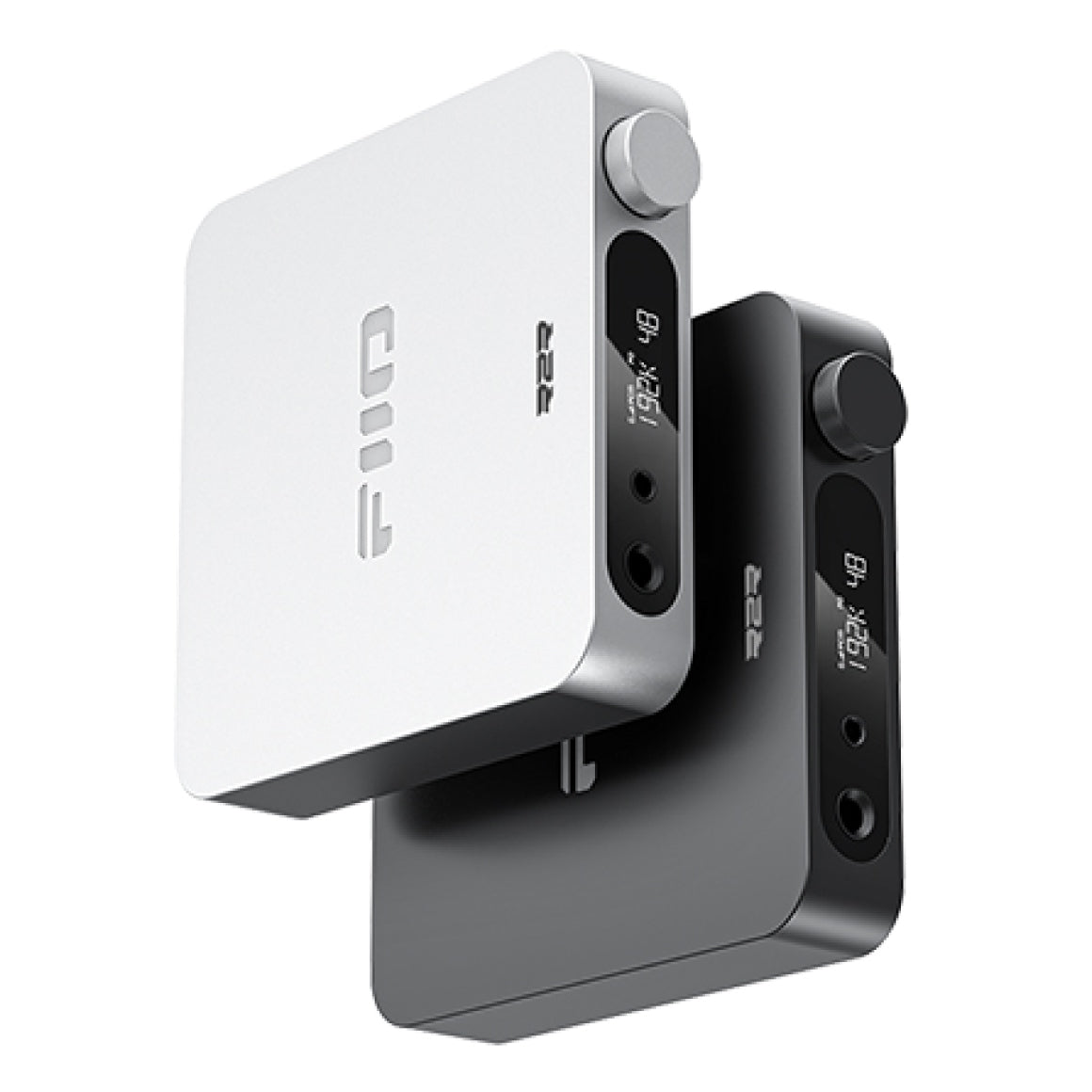
Black / Silver
FIIO Control
N/A
Box Contents
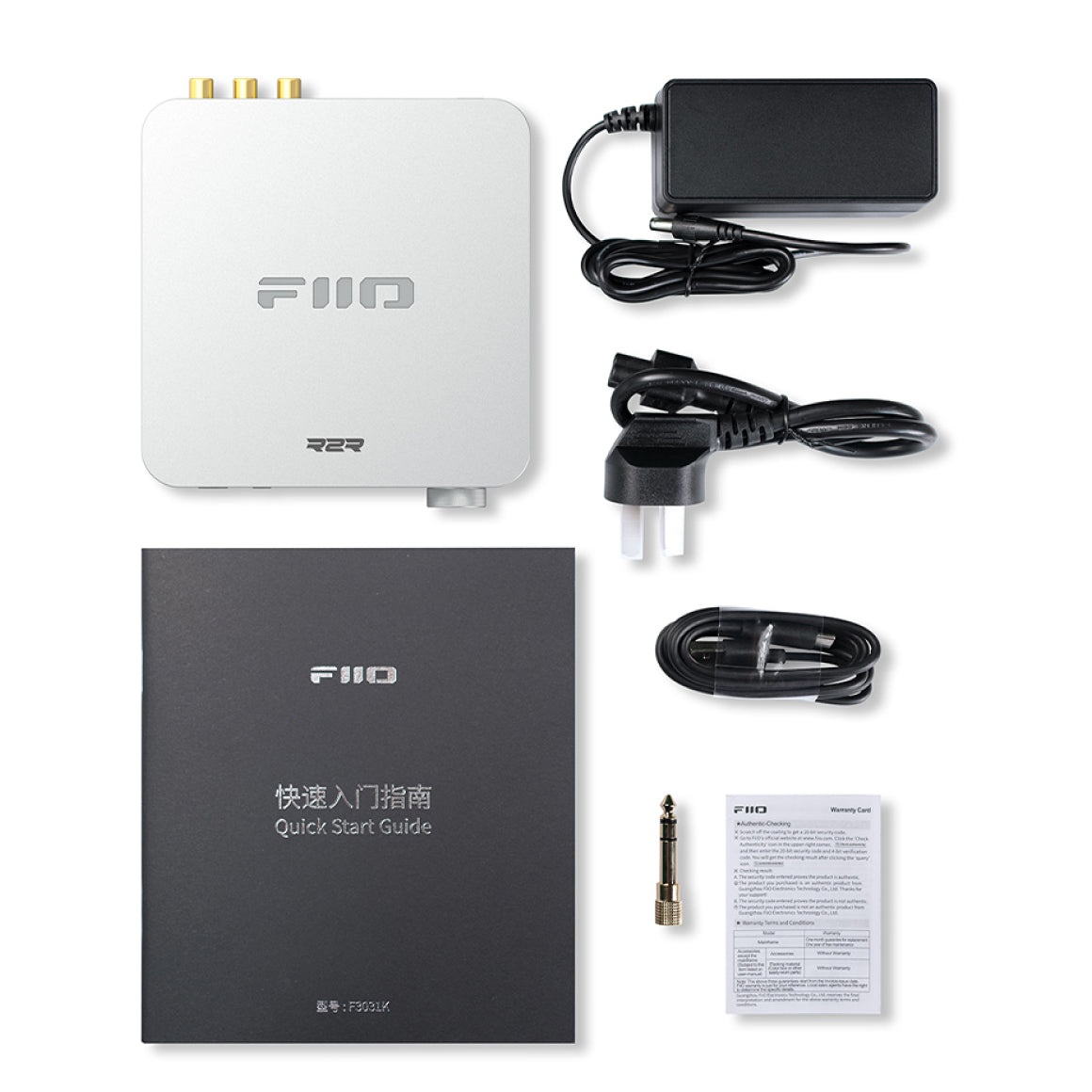
1. FiiO K11 R2R2. Power Adapter*13. Power Cable*14. USB Data Cable*15. Headphone Adapter*16. Quick Start Guide*17. Warranty Card*1
Have a question? Get in touch!
Check out the most common questions our customers ask. Still have questions? Talk to our Headphone Gurus.

Our customer support is available Monday to Friday: 11am-6pm.
What is the warranty period on the FiiO K11 R2R and how do I claim warranty?
The warranty period on FiiO K11 R2R is for 1 year. To read more information click here.
The difference between K11 and K11 R2R?
1. Outlooking differences: FiiO K11 R2R comes with R2R logo while FiiO K11 does not have. The other appearances are same, 2. Internal circuitry differences: FiiO K11 uses CS43198 as the DAC chip, while the FiiO K11 R2R uses sign-magnitude R2R as the DAC chip. Some of the corresponding circuits are slightly different. 3. Parameters differences: The THD+N & Noise and noise floor of FiiO K11 and FiiO K11 R2R are nearly the same. 4. Software settings function differences: FiiO K11 uses the CS43198 as DAC chip so it comes with a filter setting function. The FiiO K11 R2R uses sign-magnitude R2R as the DAC chip, so it has no filter function and the filter setting option is removed. But the oversampling mode and smart idlefunction are added for FiiO K11 R2R.
What should I do if the FiiO K11 R2R is abnormal?
[No sound, noise, unable to boot, indicator light off, etc.] You can try the following methods to help you solve the problem: 1. Restart FiiO K11 R2R; 2. Re-plug the power cord. How to restore factory firmware for FiiO K11 R2R? (FiiO K11 R2R comes with backup system. When you meet the system failure (for example fails to enter menu), you can try to restore the factory firmware via the backup system. 1.When FiiO K11 R2R is powered off, long press the knob to turn it on. Keep holding when 'FiiO' shows and stop holding when the screen turns off. The display will shows 'bACkUP' and you can enter the backup mode. 2.In the backup menu, click the knob to enter the selection menu, then scroll the knob to select between REVERT/UPDATE/RETURN options. When selecting 'REVERT', the system will restart and enter the backup system (i.e. factory firmware system). At this time, the system will overwrite the system with part of the code of the backup system, and then restart automatically. Then the basic backup system becomes a normal available system. (Nomater the normal system fails or not, after selecting 'REVERT', the original system will be overwrited with the backup system) When selecting 'UPDATE', the system will enter the MCU update mode, the display will show 'RETURN'. You could exit the mode after updating. When selecting 'RETURN', the system will have no operation and restart automatically. [Over-current protection] FiiO K11 R2R doesn't have overload, over-temperature protection mechanisms but only over-current protection mechanisms. After the protection is triggered, you must turn off the power to restore it. You can turn it off and then on through the knob, or directly unplug the power supply to restore it.
How to use the FiiO K11 R2R as a USB DAC for mobile phones?
To connect the FiiO K11 R2R to an Android phone, player or Apple phone, you need to purchase an additional Type-C to Type-C, lightning to Type-C OTG cable (such as FiiO LT-TC1, LT-LT3) to connect: 1. After the FiiO K11 R2R is turned on, use the OTG cable to connect to the mobile phone; 2. FiiO K11 R2R input mode switch to USB; 3. FiiO K11 R2R output setting: switch to the corresponding output port according to the interface used, switch the headphone or speaker output on the front panel to PO, and switch the line output on the rear panel to LO to decode the audio signal of the mobile phone. 【Android phone】 After the mobile phone is connected to the FiiO K11 R2R through the purchased OTG cable, the song can be played on the mobile phone. After being decoded by the FiiO K11 R2R, it is output from the headphone port to enjoy high-quality music. [Note] If there is no sound after you connect, you need to pay attention to the following points: 1. Mobile phone playback software settings. If there is a USB output that needs to be turned on, some devices have to turn off the USB output to have sound; 2. Confirm that the mobile phone developer mode has enabled USB debugging; The mobile phone needs to open USB debugging, open "Developer options", and then open "USB debugging" or "OTG" function; 3. Confirm that the transfer cable supports OTG function, whether the direction of the cable is reversed; 4. Since the USB audio of various brands of mobile phones is not standardized at present, FiiO does not guarantee full compatibility. According to the above connection method, if it is not supported, it is recommended to try other mobile phones or connect to the computer DAC to rule out whether the hardware of some devices is bad (such The probability of the situation is small), if you can’t connect to the computer, you can contact our customer service for further confirmation. 【iPhone/iPad】 It is necessary to purchase a Lightning to Type C cable with OTG function (such as FiiO LT-LT3). Connect FiiO K11 R2R and iPhone/iPad/iPod, play songs and enjoy high-quality music. 【Note】 1. Only Apple devices with iOS10.0.2 and above systems are supported. Those with versions lower than this version can not be supported due to the Apple system itself; 2. When the iOS device is decoding, adjusting the volume of the iOS device is invalid and needs to be adjusted on the FiiO K11 R2R.
How to use the coaxial and optical decoding function of FiiO K11 R2R?
1. After powering on the FiiO K11 R2R, switch the input mode of FiiO K11 R2R to the corresponding input: OPT IN (optical fiber), COAX IN(coaxial), and connect to the corresponding optical fiber/coaxial input line; 2. FiiO K11 R2R output setting: switch to the corresponding output port according to the interface used, switch the headphone or speaker output on the front panel to PO, and switch the line output on the rear panel to LO to decode the audio signal of the mobile phone. 3. Scroll the volume knob and adjust the volume of the FiiO K11 R2R to a suitable level before playing music. And select the GAIN (gain) according to personal preference; 4. Play music on the front device to enjoy the music. Note:When there is no output from the K7, please try to play other music first.
What power adapter is suitable for the FiiO K11 R2R?
The AC power input of the power adapter comes with FiiO K11 R2R supports AC power between 100V and 240V. The specification of the DC port for FiiO K11 R2R is 5.5x2.1mm. The DC output of the power adapter comes with FiiO K11 R2R is 12V/2A. You could use 12V3A power supply as well. It is recommended to use the power adapter that comes with the FiiO K11 R2R or FiiO linear power supply PL50.
You May Also Like
Product Title